
Last updated 19 October 2026. Every vendor fact below comes from the vendor’s own product, pricing, documentation or help pages, read in October 2026, and is linked in the sources. Open-source data (stars, last commit on the main branch, latest release, licence) comes from GitHub on 19 October 2026. Screenshots were taken from public pages on the same day.
The short answer
“Phishing tools” covers three different jobs, and the best pick depends on which one you have. To train staff with safe test phishing, shortlist KnowBe4, Hoxhunt, Proofpoint, Adaptive Security or Keepnet, or Microsoft Attack Simulation Training if you already hold the licence; CanIPhish, Wizer and Keepnet publish prices, which makes small-team budgeting easier. To run authorised red-team tests, Gophish runs campaigns and Evilginx shows how a phishing proxy gets past one-time codes. To find phishing aimed at your brand, the open-source dnstwist and openSquat watch for lookalike domains.
Whatever you pick, judge it on what employees do after the test. The Verizon 2026 Data Breach Investigations Report found the human element in 62% of breaches. A tool that only sends emails and counts clicks does little about that. One that teaches at the moment of the click and makes reporting easy does.
Why this matters: what the 2026 breach data says
- The human element was present in 62% of breaches, up from 60% the year before, according to the Verizon 2026 Data Breach Investigations Report.
- Social engineering was the third most common breach pattern, at 16% of breaches. Phishing stayed at 16% as an initial access vector, and pretexting (a built-up story, often by phone or text) reached 6%.
- In phishing simulations, the median successful click rate on mobile-centric channels such as voice and text messaging was 40% higher than on email. A programme that only tests email leaves the riskier channel untested.
- The report also notes that email phishing simulation is now common in security programmes, while pretexting needs business-specific rules and training that a generic email test does not cover.
You will often see “90% of attacks start with phishing”. We could not trace that figure to a primary source, so we do not use it. The numbers above come from the report itself.
Phishing tools by purpose
Start with the job, then read the matching entries.
| Purpose | What it does | Tools on this list | Who it suits |
|---|---|---|---|
| Phishing simulation for training | Sends safe test lures to your own staff, tracks clicks and reports, then teaches. | KnowBe4, Hoxhunt, Proofpoint, Sophos Phish Threat, Microsoft Attack Simulation Training, Infosec IQ, usecure, Wizer, Adaptive Security, Keepnet, Phished, SoSafe, CanIPhish, Arsen, Jericho Security (and PhishGrid, ours) | A security team that wants fewer clicks and more reports over time. |
| Open-source and red-team frameworks | Runs your own campaigns or authorised social engineering tests. | Gophish, Social-Engineer Toolkit, King Phisher, Evilginx, Modlishka, Muraena, Wifiphisher | Pentesters and engineers who can self-host. |
| Open-source brand defence | Finds lookalike domains, phishing certificates and phishing URLs aimed at you. | dnstwist, openSquat, phishing_catcher, Phishing.Database, ThePhish | Security teams protecting a brand or a customer base. |
How this list was put together
This is an editorial assessment based on each vendor’s public documentation, pricing pages, help centres and repositories as of October 2026. We have not run these products head to head. Each group is ordered by how many of the buying criteria below a tool covers out of the box, and by how established it is. Every channel, price and integration we list is one the vendor states itself; where a vendor’s own pages disagree, we say so. Infosec IQ’s website blocked automated access, so its entry relies on excerpts of its own pages and has no screenshot.
What to look for in a phishing simulation tool
- Realistic, current templates. Can you clone a real email, match a trusted brand and localise the wording? Stale, obviously fake lures train people to spot the tool, not the threat.
- Channels beyond email. Check for QR-code, SMS and voice scenarios, given the DBIR finding on mobile-centric click rates above.
- A teachable moment. What does someone see the second they click? A short, specific lesson beats a generic “you failed” page.
- Report rate, not only click rate. Reporting is the behaviour you want to grow, so look for report-button support, repeat-clicker tracking, department breakdowns and trend lines.
- Fit with your mail setup. Microsoft 365 or Google Workspace delivery, a one-click report button, single sign-on, directory sync (SCIM) and an API.
- A real price. Ask for the total per user per year, including training content, and whether channels such as voice cost extra. Check the contract term behind any published price.
- Who runs it each month. A tool nobody operates produces no results. Count admin hours before you buy.
Phishing simulation tools compared
| Tool | Simulation channels the vendor names | Training content | Published pricing | Free option |
|---|---|---|---|---|
| KnowBe4 | Email, QR (email and printed), callback, vishing, USB, ClickFix | 1,200+ modules; 47+ languages | Yes, per seat on a 3-year term | Attack Simulation Test (100 users) |
| Hoxhunt | Email, SMS, voice and callback, deepfake, Microsoft Teams | 300+ modules; 40+ languages | No, quote after a scoping call | None stated |
| Proofpoint ZenGuide | Email, SMS, QR, USB, phone-oriented attack scenarios | 104 modules (Standard) to about 650 (Enterprise) | No | None stated |
| Sophos Phish Threat | Email (link, credential, attachment) | 100+ modules, 11 languages (2025 announcement) | No; included with Sophos Email | Free trial |
| Microsoft Attack Simulation Training | Email techniques, QR as the link | 94 built-in trainings | Needs M365 E5 or Defender for Office 365 Plan 2 | 90-day Plan 2 trial |
| Infosec IQ | Email, USB | 700+ modules, 34+ languages | No | Phishing Risk Test (100 users) |
| usecure | Email, QR, attachment, spear phishing | 200+ courses, 30+ languages | No, one plan by quote | Trial on request |
| Wizer | Email, AI voice-agent callback, live deepfake (add-on) | 1-minute videos, 19+ languages | Yes, per user per year on a 3-year term | Free plan (no phishing) |
| Adaptive Security | Email, QR, callback, SMS, voice, deepfake Teams and Zoom, executive deepfakes | 50+ compliance modules, 40 languages | No | Pilot by request |
| Keepnet | Email, voice, SMS, QR, callback, deepfake, MFA fatigue | 7,000+ materials, 61 languages | Yes, per user by tier | Free simulation test and tools |
| Phished | Email, files, Teams and Slack, SMS and WhatsApp, voice and video, QR | 360 topics (Academy) | From €165 a month | None stated |
| SoSafe | Email, SMS, voice, QR, social media, USB | Microlearning, 32 to 34+ languages | From €625 a month (50 seats) | Demo game |
| CanIPhish | Email, hosted phishing sites, conversational email, AI voice (Enterprise) | 74+ courses | Yes, per employee | Free plan up to 10 employees |
| Arsen | Email, SMS, QR, AI voice with cloning, deepfake video calls | Microlearning paths | No | Free tools |
| Jericho Security | Email, conversational phishing, deepfake scenarios | Library, size not stated | Self-serve, prices not shown | 7-day trial |
| PhishGrid (ours) | Email with AI-written lures, cloned templates, QR and attachment variants | Lesson after each click | Free plan, paid plans above | Free plan, no card |
Phishing simulation and training tools
1. KnowBe4
KnowBe4 is the largest name in security awareness training, and its simulation console now runs on AI agents it calls AIDA. They pick a phishing template for each user, schedule tests and training, write email and callback templates, and can produce deepfake training content featuring a leader from your own company. The headline metric is the Phish-prone Percentage, alongside a per-user Risk Score from its SmartRisk Engine and more than 60 built-in reports.
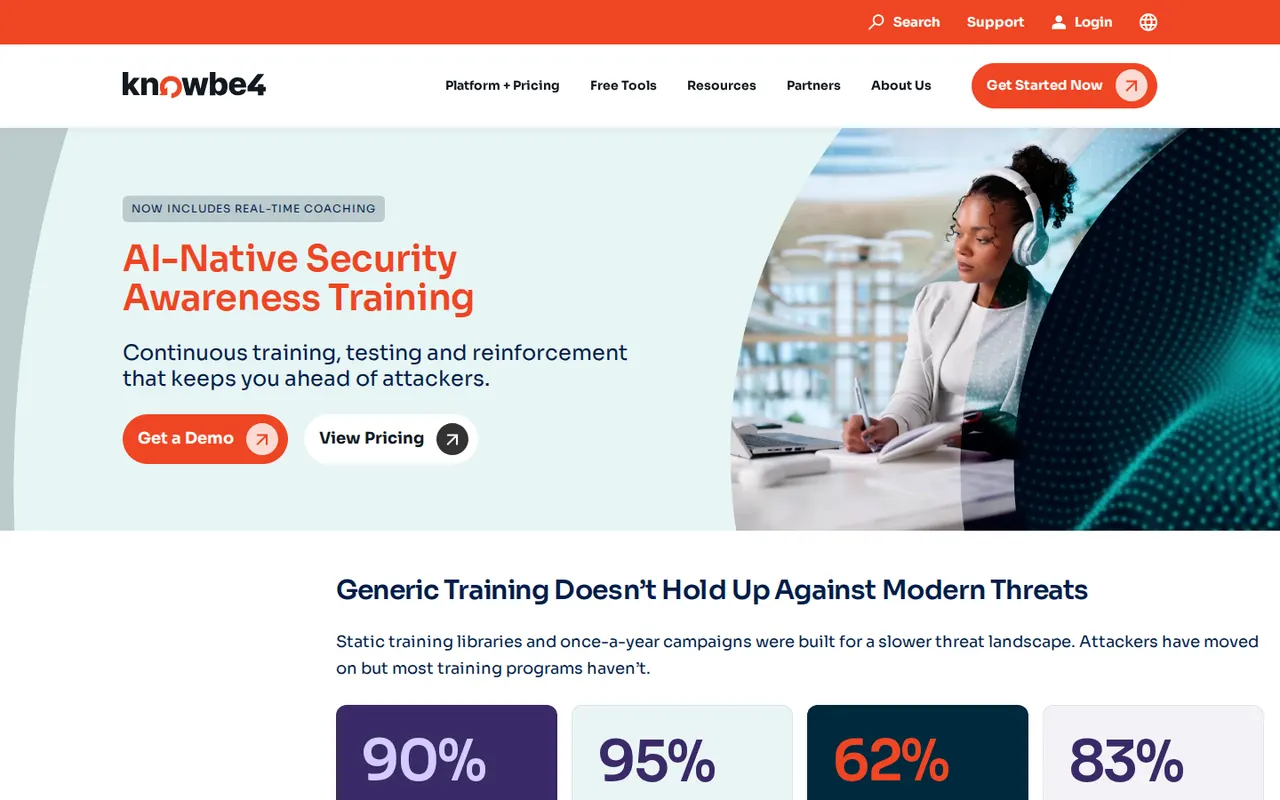
| Channels | Email (link, attachment, data entry, reply-to), QR in email and printed QR, callback phishing, ClickFix tests, vishing with recorded or text-to-speech calls, USB drop |
| Training | 1,200+ modules; professionally localised in 47+ languages, AI translation for 51+ |
| Integrations | SSO on every tier, SCIM or Active Directory sync, Phish Alert Button for Outlook, Microsoft 365 and Google Workspace (it also reports Teams messages), reporting and webhook APIs |
| Hosting | Choice of US, Canada, UK, EU or Germany |
| Price | Published per seat per month on a 3-year term (May 2026): Foundation $2.40 and Advanced $3.75 for 25 to 50 seats, down to $1.63 and $2.79 for 501 to 1,000 seats; 1,001+ by quote |
- Strengths: the widest content catalogue here, physical tests (USB, printed QR) in the same console, and prices you can budget from.
- Limits: vishing, callback, USB, AI template selection and the SmartRisk and AIDA features are in Advanced, not Foundation. Published prices assume a 3-year term.
- Best for: organisations that want one large catalogue and a vendor most auditors already know.
2. Hoxhunt
Hoxhunt builds each employee a profile and sends simulations matched to their skill, language and department, with a short lesson after every click or report. Stars, badges and a company leaderboard reward reporting. Beyond email it simulates SMS, voice and callback attacks, deepfakes with AI-generated or cloned voices, and Microsoft Teams messages.
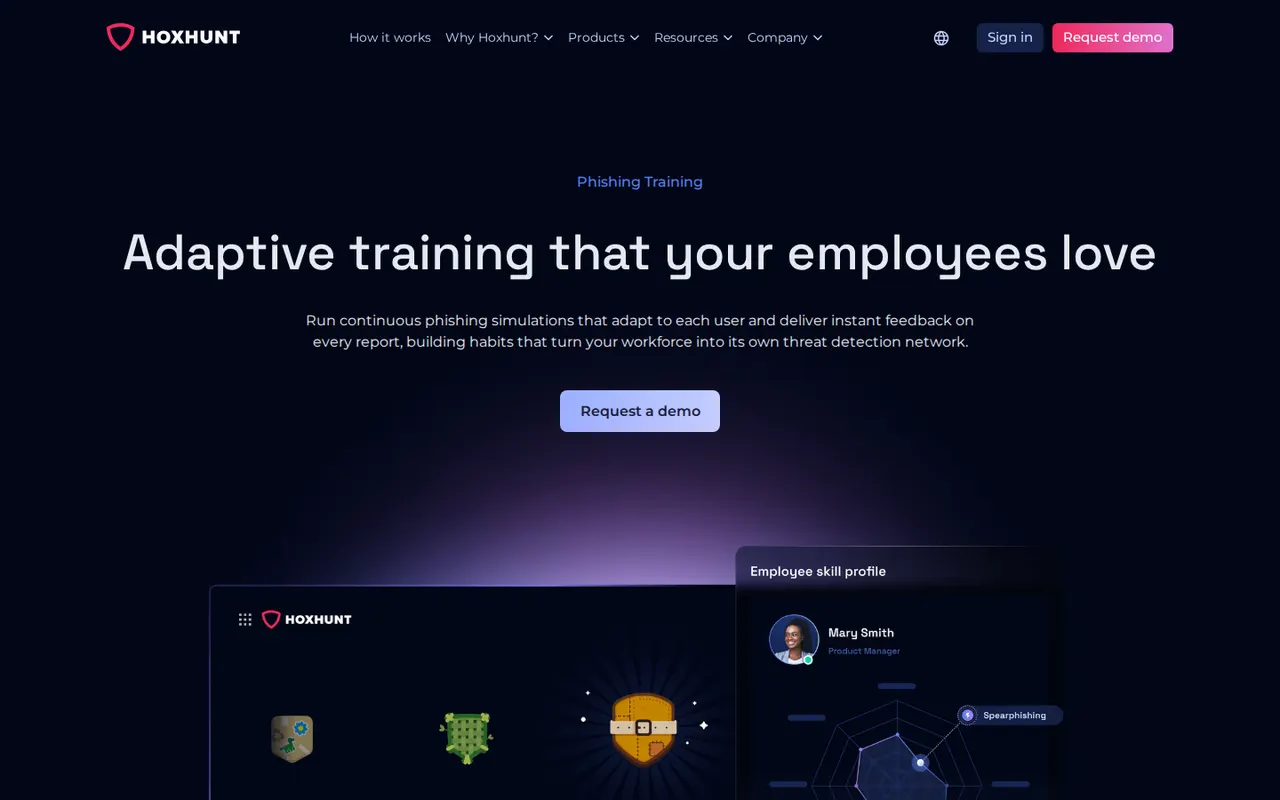
| Channels | Email, SMS, voice and callback, deepfake, Microsoft Teams |
| Training | 300+ modules in video and text; 40+ languages; AI Content Studio turns your policies into training |
| Integrations | Microsoft 365 and Google Workspace, report button for Outlook and Gmail, SSO and SCIM with Okta, Entra ID, Ping and OneLogin, behaviour data from Defender, CrowdStrike and Zscaler |
| Hosting | EEA processing per its subprocessor list |
| Price | Per employee, quoted after a 30-minute scoping call |
- Strengths: engagement design and the broadest set of channels among the established vendors, including deepfakes and Teams.
- Limits: no published price and no free option.
- Best for: mid-size and large organisations that want behaviour change, not a compliance checkbox.
3. Proofpoint Security Awareness
Proofpoint now sells its training as ZenGuide. Its distinctive feature, ThreatFlip, takes a real phishing email your company received, strips the harmful parts and turns it into a simulation in one click. If you also run Proofpoint email security, training can be triggered by real exposure, for example for your most-attacked people.
| Channels | Email, SMS, QR, USB, and scenarios modelled on phone-oriented attacks |
| Training | Standard: 104 modules in English plus three languages. Enterprise: about 650 modules and assessments in 40+ languages |
| Integrations | PhishAlarm report button, SCIM, SSO; automated remediation (CLEAR) needs Proofpoint’s P1 bundle or the TRAP add-on |
| Price | Not published; Standard and Enterprise tiers |
- Strengths: real threats become training, and risk data comes from the email security product.
- Limits: much of the automation assumes the wider Proofpoint stack; the Standard tier is far smaller than Enterprise.
- Best for: organisations already on Proofpoint email security.
4. Sophos Phish Threat
Phish Threat runs email simulation campaigns from the Sophos Central console and sends anyone caught to training. Since 10 December 2025 it is included with Sophos Email licences, and it is still sold on its own.
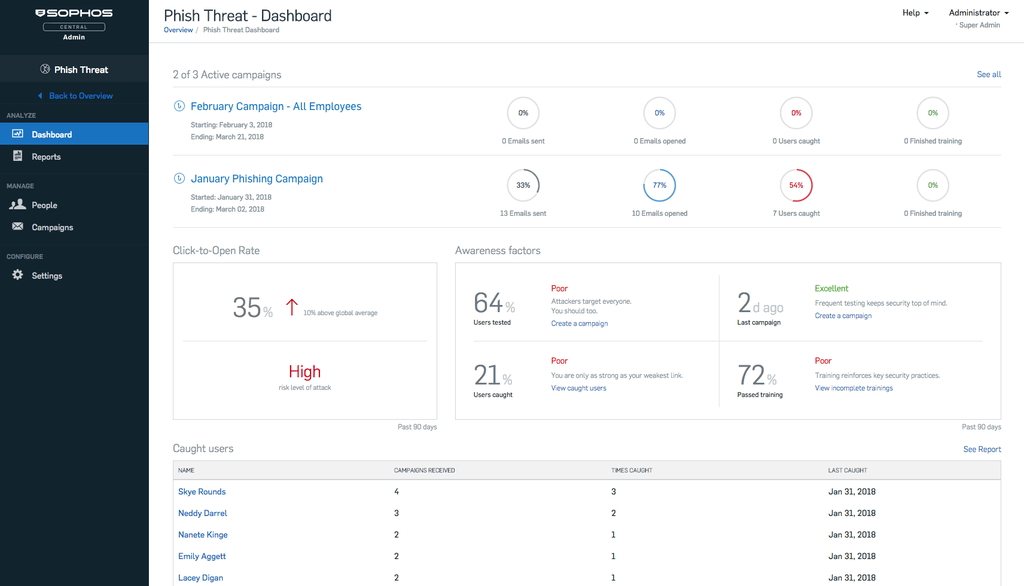
| Channels | Email: phishing link, credential harvesting, attachment |
| Training | Sophos pages give different counts: 30+ modules on the product page, 100+ modules and 500+ templates in its December 2025 announcement; 9 to 11 languages |
| Integrations | Outlook and Office 365 report add-in, Microsoft 365, Google Workspace, Active Directory sync |
| Hosting | US, Ireland or Germany |
| Price | Not published; per-user bands from 5 to 5,000+ users on 1 to 3-year terms |
- Strengths: no extra cost if you already pay for Sophos Email, and one console with other Sophos products.
- Limits: Sophos documents email campaigns only, with no SMS, voice or QR.
- Best for: existing Sophos customers.
5. Microsoft Attack Simulation Training
Attack simulation training sits inside the Microsoft Defender portal for tenants with Microsoft 365 E5 or Defender for Office 365 Plan 2. It can turn real phishing caught in your tenant into simulation payloads, and it predicts how many users a payload will catch, based on Microsoft-wide data. Training is delivered with Terranova Security.
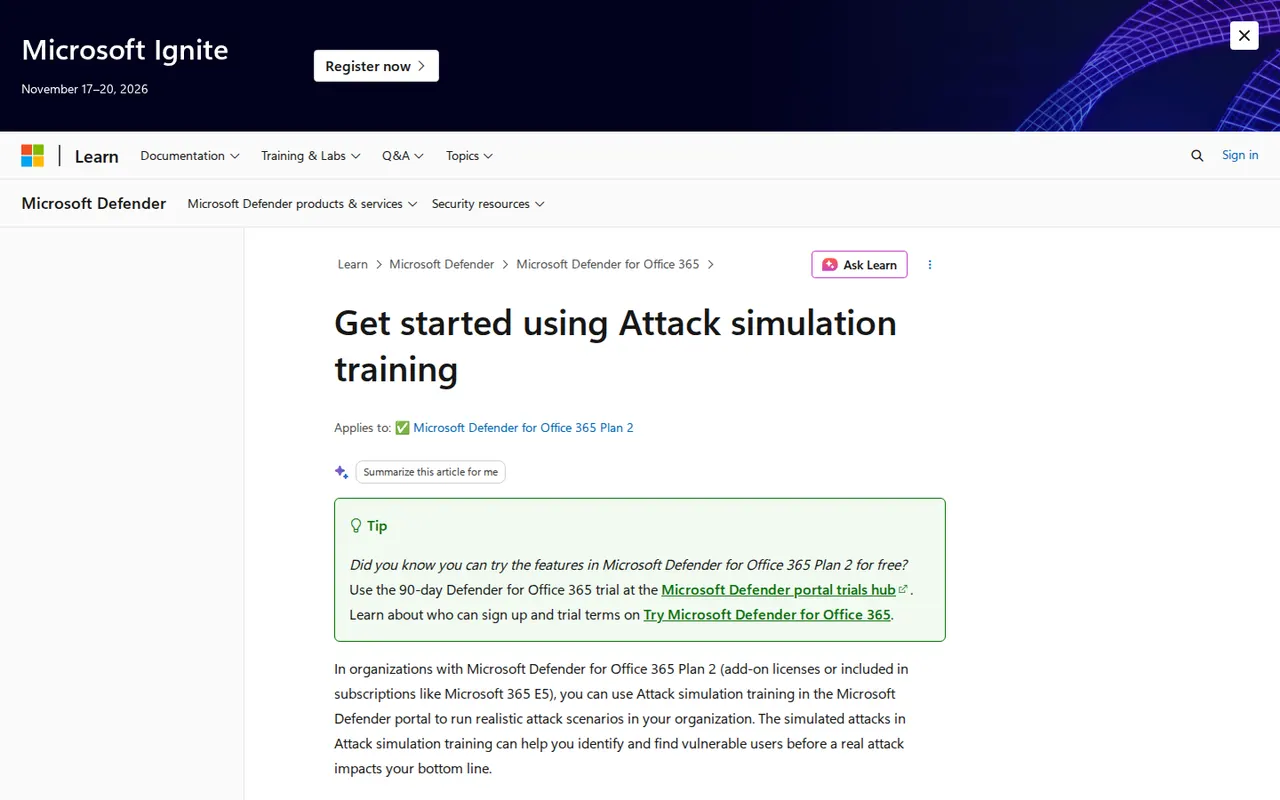
| Channels | Email techniques (credential harvest, malware attachment, link in attachment, drive-by URL, OAuth consent grant), with QR codes as the link |
| Training | 94 built-in trainings; payloads in 29+ languages |
| Reporting | Training completion, repeat offenders, predicted versus actual compromise rate, CSV export, Graph API |
| Price | No separate price; requires M365 E5 or Defender for Office 365 Plan 2 (90-day trial) |
- Strengths: nothing extra to buy if you have the licence, and real attacks from your own tenant become tests.
- Limits: email only; reports made with non-Microsoft report buttons are not captured; shared mailboxes are not supported; data is kept 18 months.
- Best for: Microsoft-heavy organisations that already hold the right licence.
6. Infosec IQ
Infosec IQ combines a phishing simulator (PhishSim) with awareness training and a reporting add-in, PhishNotify, which holds reported emails in quarantine for 14 days. Its pages describe 2,000+ templates sorted by attack type, industry and difficulty, and reply tracking that spots credit card or bank details typed into replies.
| Channels | Email (drive-by, data entry, business email compromise, spear phishing, attachments) and USB |
| Training | 700+ modules and assessments, 34+ languages |
| Integrations | PhishNotify for Outlook and Gmail, Microsoft Defender, Active Directory, Azure AD, SCIM, SAML and OpenID Connect single sign-on |
| Price | Not published; Standard and Enterprise plans |
- Strengths: a large template library and training records that suit compliance programmes.
- Limits: no SMS, QR or voice simulation found on its pages; LMS, SCORM and custom reporting are Enterprise features.
- Best for: compliance-driven teams that need training evidence. Its free Phishing Risk Test covers up to 100 employees.
7. usecure and Wizer
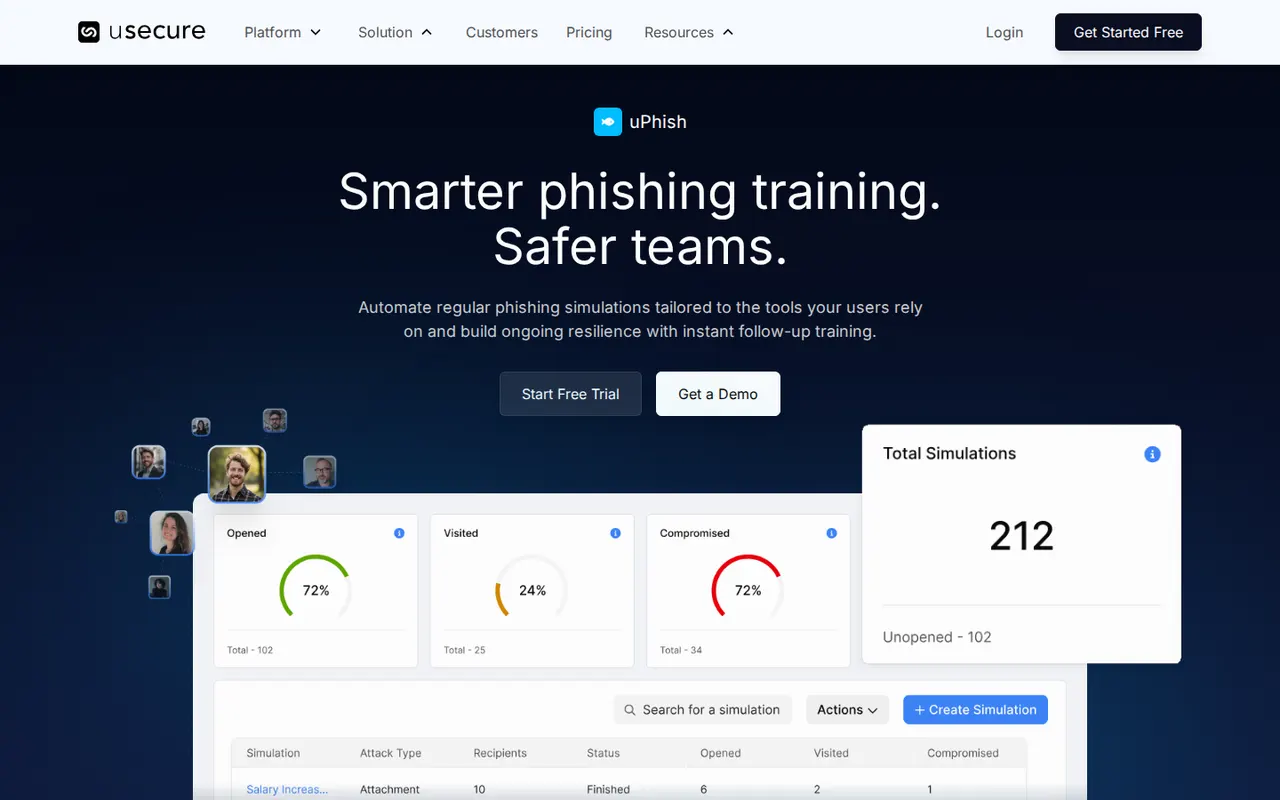
usecure is built for managed service providers and IT teams: one plan bundles training (uLearn), phishing simulation (uPhish), breach monitoring and policies, with a white-labelled multi-tenant portal and monthly billing with no minimum seats for MSPs. Its AutoPhish scheduler runs campaigns on its own, though not with attachment templates.
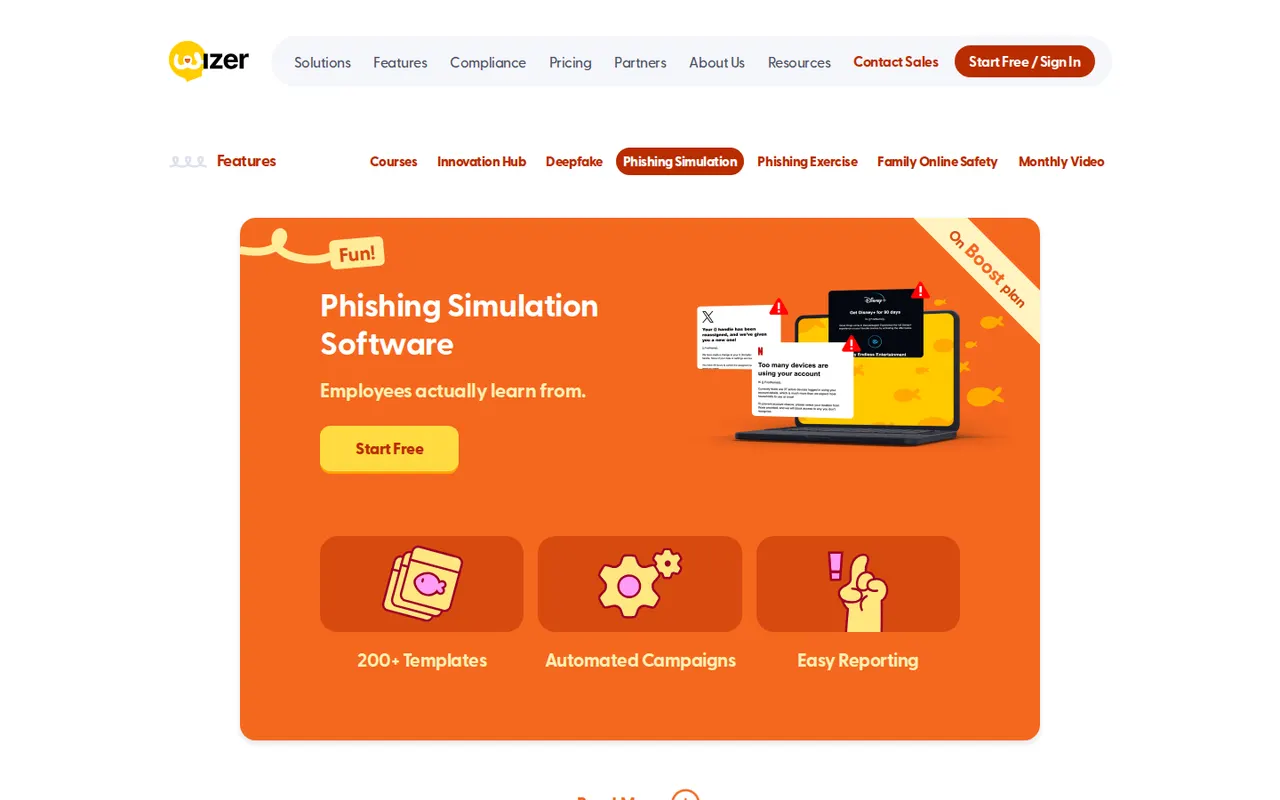
Wizer is known for one-minute animated training videos and a free plan for basic training. Its paid Boost plan adds phishing simulation, report buttons and single sign-on, and it is one of the few vendors with published prices.
| usecure | Wizer | |
|---|---|---|
| Channels | Email, QR, attachment, spear phishing | Email; AI voice-agent callback; live deepfake and vishing as an add-on |
| Training | 200+ courses, 30+ languages, 400+ phishing templates | 1-minute videos in 19+ languages |
| Integrations | Microsoft 365 and Google Workspace sync, report button for Outlook and Gmail | SSO, SCIM, Microsoft 365, Google Workspace, report button for Outlook and Gmail |
| Price | Quote; per user per month | $25 per user per year at 25+ users, down to $8 at 3,001+ users, on a 3-year term |
- Best for: small businesses and MSPs (usecure), and small teams that want cheap, watchable training (Wizer). Note that Wizer’s free plan has no phishing simulation.
8. Adaptive Security
Adaptive Security is built around AI-era attacks. Its simulations run on email, SMS and voice, include inbound and outbound scripted calls and help-desk attacks, and can clone your own executives into deepfake voice and video personas for Teams and Zoom scenarios. A feature called Phish Remix turns reported phishing into new simulations. The same company sells email security and AI governance.
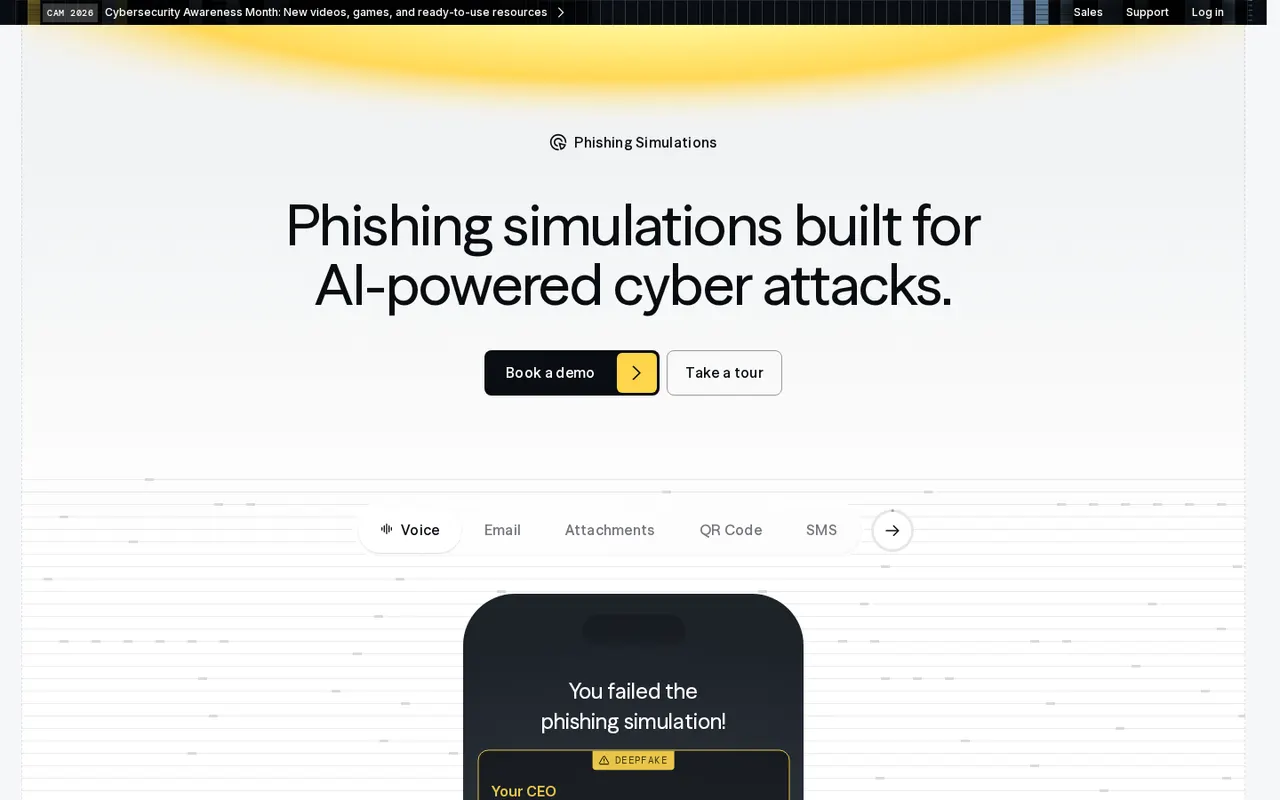
| Channels | Email (AI-written, OSINT-based lures), QR, attachment, MFA lures, callback, text-back, SMS, voice, deepfake Teams and Zoom, multi-channel chains |
| Training | 50+ compliance modules, role-based tracks, secure coding, 40 languages with dubbed narration |
| Integrations | Microsoft 365 and Google Workspace, SCIM (Okta, Microsoft, Rippling and others), SAML and OIDC, 15+ HR systems, report button for Outlook and Gmail, webhooks for SIEM and SOAR |
| Price | Not published; enterprise pricing is custom |
- Strengths: the deepest deepfake and voice simulation in this list.
- Limits: no published price or free tier; a broad suite if you only need phishing tests.
- Best for: larger organisations that want to rehearse deepfake and voice fraud. See our PhishGrid vs Adaptive Security comparison.
9. Keepnet
Keepnet, founded in London in 2017, sells each channel as its own simulator: email, voice, SMS, QR, callback and deepfake, plus MFA-fatigue scenarios. An AI agent can draft a campaign from a plain-language description, and nothing is sent until someone approves it. It lists 47,000+ simulation templates.
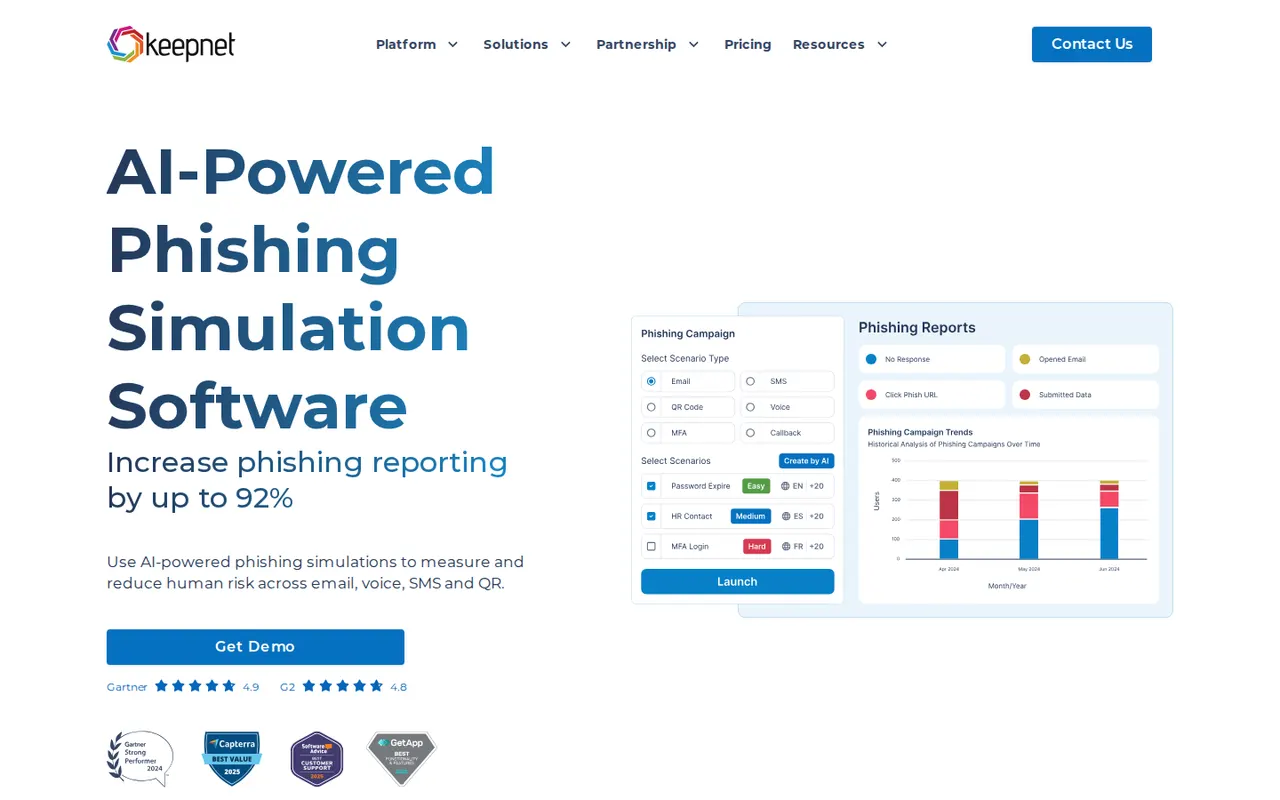
| Channels | Email, voice, SMS, QR, callback, deepfake, MFA fatigue |
| Training | 7,000+ materials, 750+ microlearnings, 61 languages |
| Integrations | SSO and SCIM with Azure AD, Okta and others, REST API, phishing reporter, SOAR integrations (XSOAR, IBM Resilient, Splunk) |
| Hosting | Microsoft Azure in the EU, UK, US or UAE |
| Price | Published by tier: for 25 to 50 users, $1.80 (Essentials) to $3.15 (Enterprise) per user; 1,000+ users by quote. The table is labelled monthly while its FAQ describes per-user annual pricing, so confirm the billing unit |
- Strengths: every channel, a very large library and hosting choices that include the UAE.
- Limits: the published price unit is ambiguous; ask before you compare.
- Best for: teams that need all channels and regional hosting.
10. Phished
Phished, based in Leuven, Belgium, runs an agentic engine that plans, writes, sends and follows up each simulation at the employee’s level, with a gamified Academy behind it. Its Zero Incident Mail feature opens a mis-clicked link or file in an isolated environment and shows guidance instead of raising an incident. Campaigns can even be run from AI assistants over its MCP connector, with approval before anything goes live.
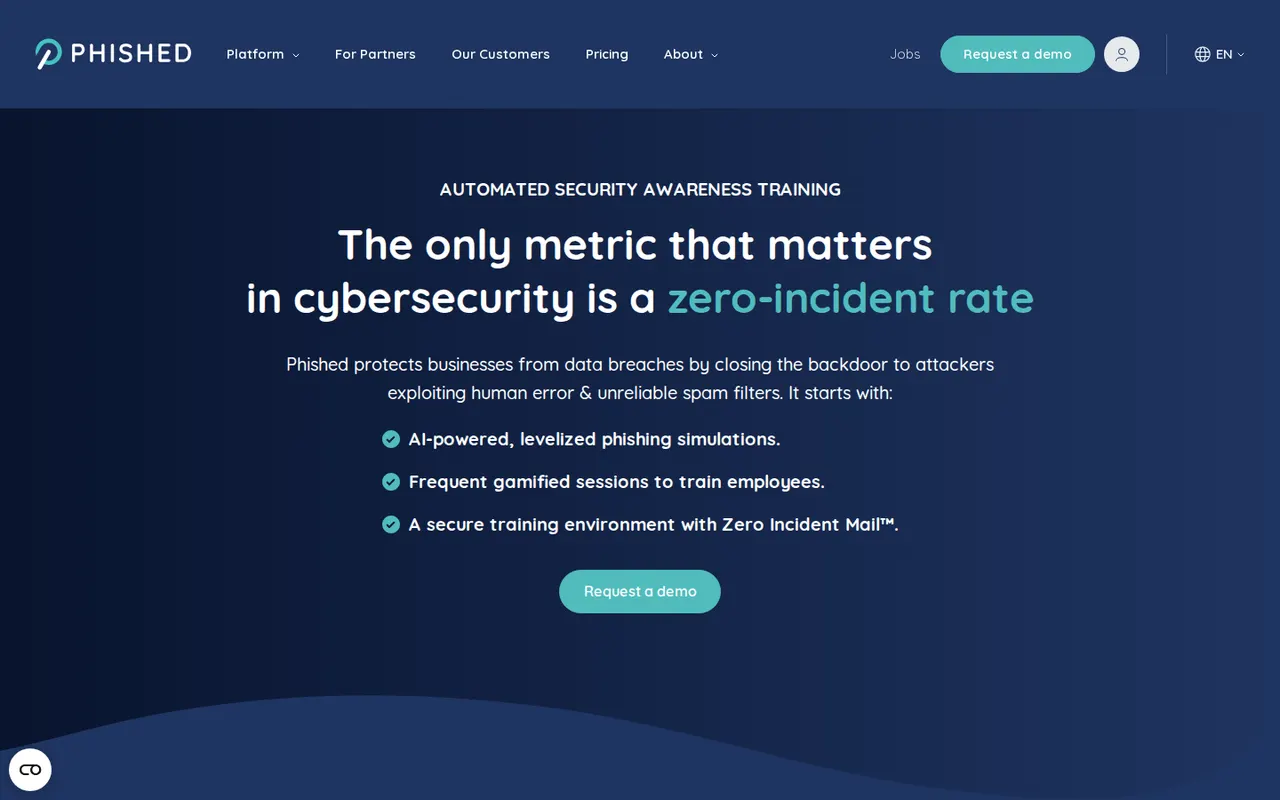
| Channels | Email, files, browser login pages, Teams and Slack, SMS and WhatsApp, voice and video calls, QR, links in AI chats |
| Training | Academy covering 360 topics, with certificates |
| Integrations | Microsoft 365, Google Workspace, SIEM and SOAR by API, Teams, Slack, ServiceNow, Jira, Splunk, Defender |
| Hosting | EU (Google and Microsoft) |
| Price | From €165 / $175 / £145 a month; tiers Core, Advanced, All-in-One |
- Strengths: a hands-off programme with unusually wide channel coverage.
- Limits: per-tier prices are not shown.
- Best for: teams that want the platform to run the programme.
11. SoSafe
SoSafe, founded in Cologne in 2018, combines story-based microlearning with simulations across email, SMS, voice, QR, social media and USB, and an AI copilot (Sofie) that answers staff questions in Teams. Reporting is built for European works councils: results can be anonymised down to groups of five, and audit exports map to NIS2 and DORA.
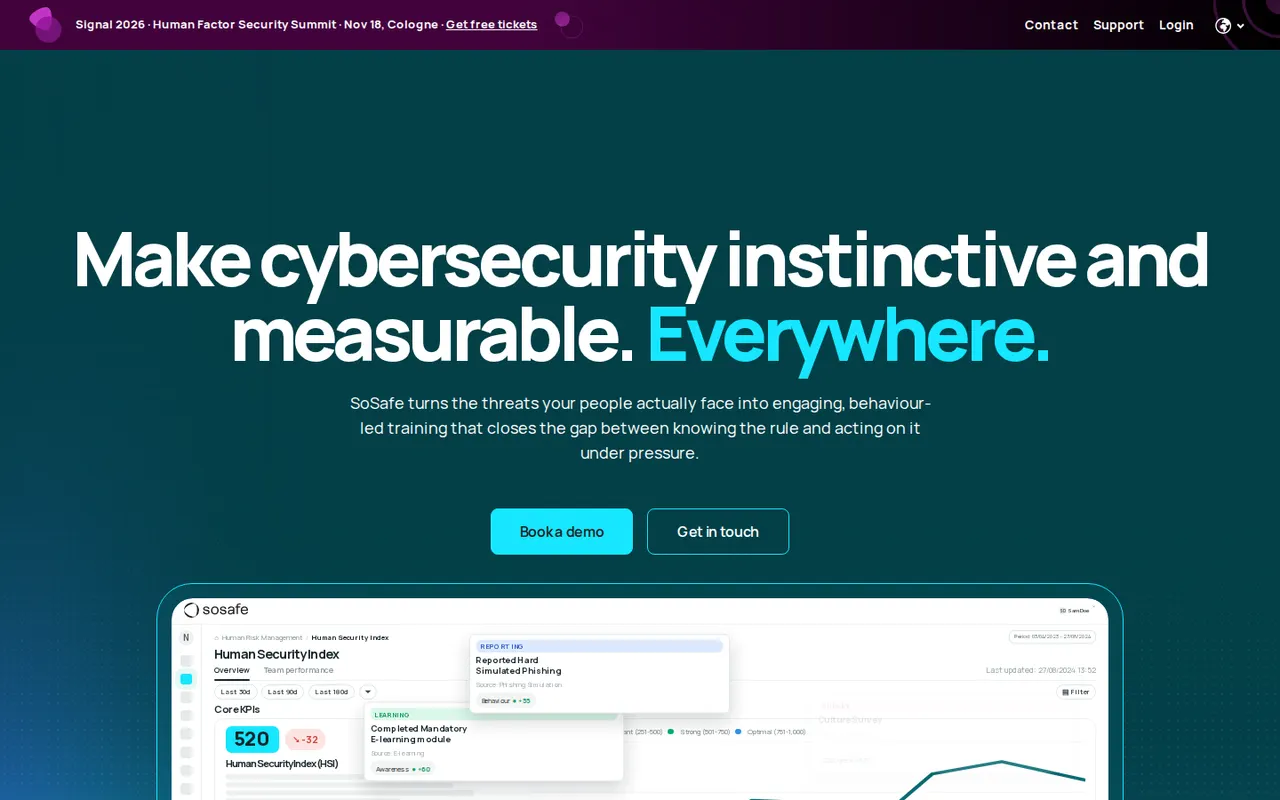
| Channels | Email, SMS (with QR and MFA-code lures), voice, QR, social media, USB |
| Training | Gamified microlearning; 34+ languages on its homepage, 32 in its FAQ |
| Integrations | Report button for Outlook and Gmail, Entra ID provisioning, HR system sync, SSO via Entra ID, Google Workspace or Okta |
| Hosting | EU |
| Price | From €625 a month billed annually, including 50 seats |
- Strengths: privacy controls that European works councils accept, and NIS2 and DORA evidence.
- Limits: no free tier or trial stated.
- Best for: European organisations with large workforces.
12. CanIPhish
CanIPhish, from Queensland, Australia, is fully self-service: sign up, build a campaign with its AI email and website generators, and pay by employee. Its free plan covers up to 10 employees and includes simulations, training and directory sync. On the Enterprise plan it runs AI voice phishing with cloned voices, after a double opt-in from each employee.
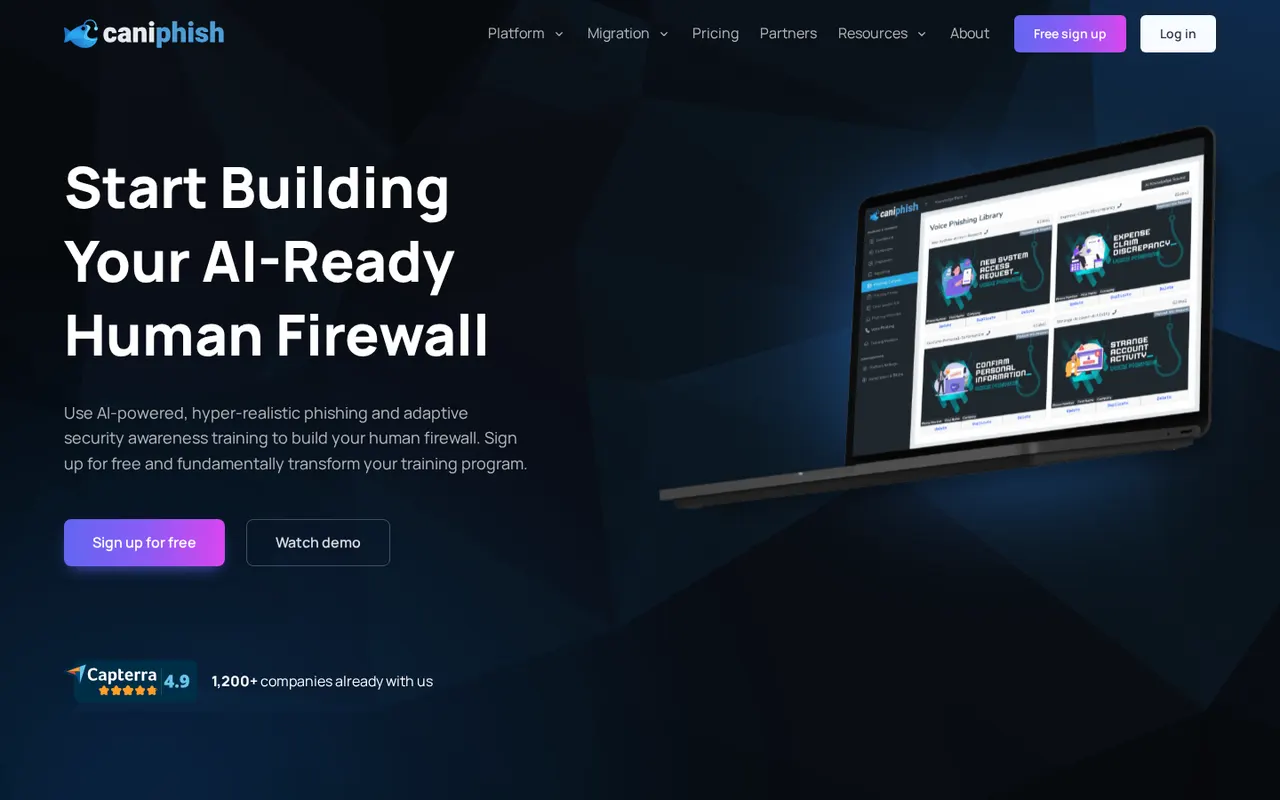
| Channels | Email, hosted phishing websites, conversational email (Professional and up), AI voice phishing (Enterprise) |
| Training | 74+ courses, WCAG 2.2 AA, SCORM import and export |
| Integrations | Entra ID and Google Workspace sync, report add-ons for Gmail and Outlook, webhooks, Vanta and Drata, SAML (Enterprise) |
| Hosting | Choice of ten regions, including the US, UK, Germany, UAE, Singapore and India |
| Price | Free up to 10 employees. Professional from $4.00 per employee per month on monthly billing for small teams, down to $1.20 at 1,000; annual billing is 60% lower (pricing calculator, October 2026) |
- Strengths: start free, see the price before you talk to anyone, choose where data lives.
- Limits: voice phishing, SSO and white-labelling are Enterprise-only, with a 25-employee minimum.
- Best for: small teams and consultants.
13. Arsen
Arsen, founded in Paris in 2021, uses generative AI for unscripted voice calls with cloned voices, so a vishing test adapts to what the employee says rather than following a script. It also simulates deepfake video calls that impersonate your own leaders, and monitors lookalike domains and data leaks.
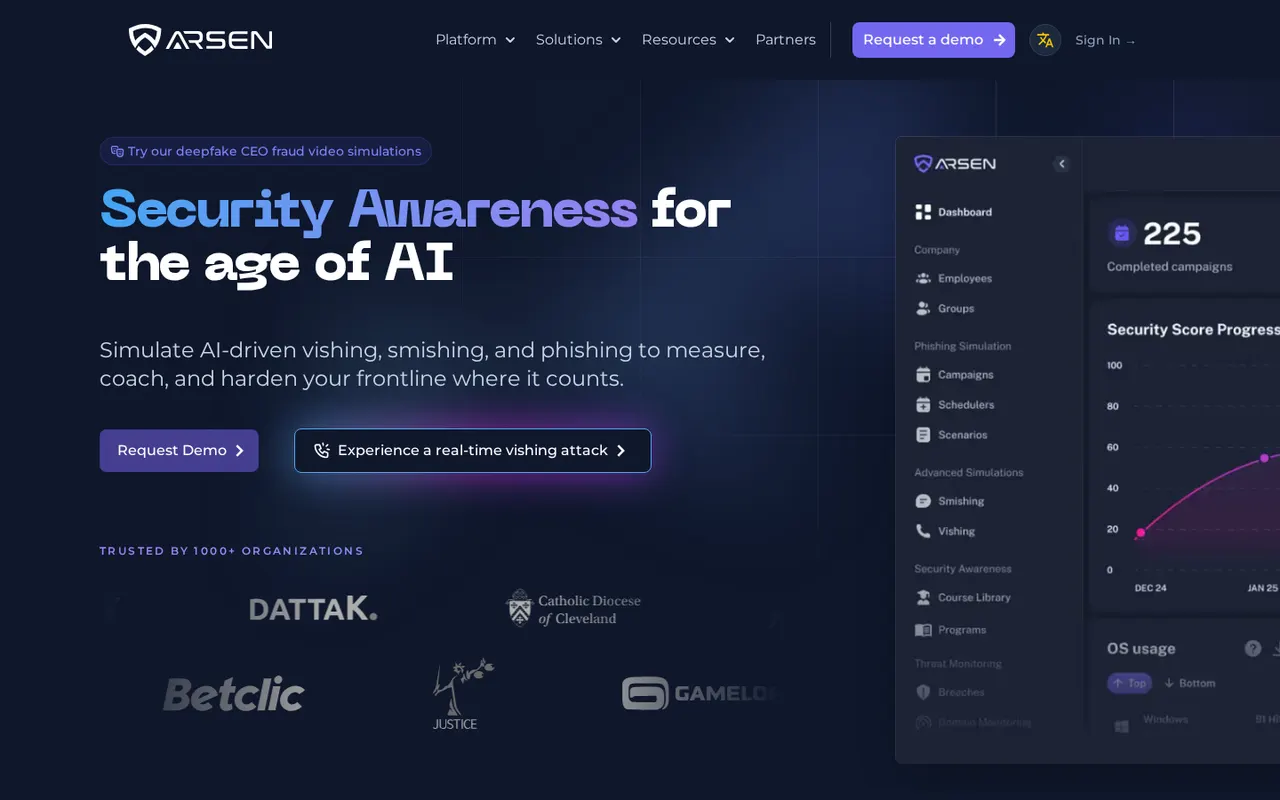
| Channels | Email, SMS, QR, AI voice with cloning, deepfake video calls, multi-step vishing with follow-up emails |
| Training | Microlearning under five minutes a month, built on NIST and ANSSI guidance, delivered in a Teams portal |
| Reporting | Real time down to the employee; PDF, CSV and API |
| Price | Not published; quote by employee count, 10 to 20% off multi-year contracts |
- Strengths: realistic conversational vishing and deepfake calls.
- Limits: integrations beyond the reporting API and Teams are not documented publicly.
- Best for: teams worried about phone and video fraud, especially in French-speaking markets.
14. Jericho Security
Jericho Security is a newer, self-serve platform focused on generative-AI attacks, with conversational (reply-driven) phishing and deepfake scenarios. You can sign up, start a 7-day trial of its Premium tier and pay by card without a sales call. It states that it never trains its models on customer content.
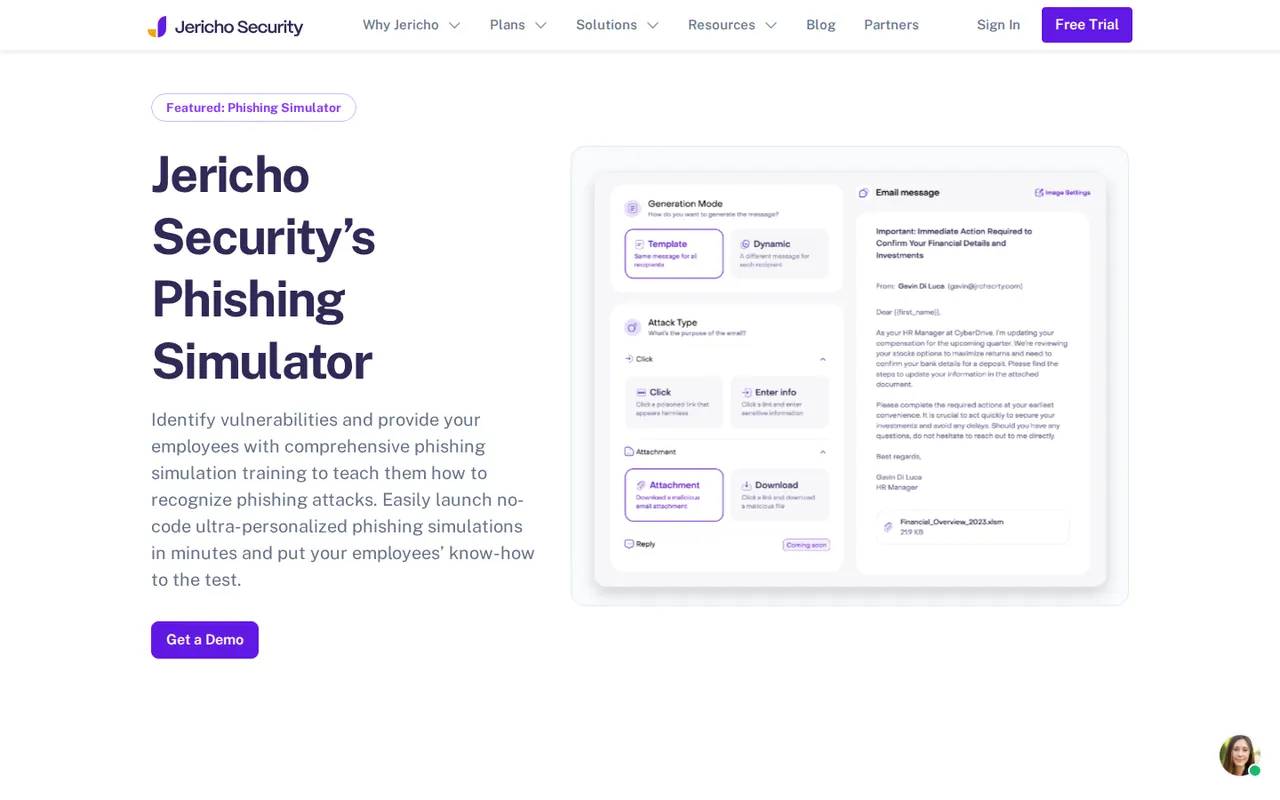
| Channels | Email (link, attachment, data entry), conversational phishing, deepfake scenarios; conversational SMS and voice listed as “coming soon” |
| Integrations | Microsoft 365 report button, Google Workspace direct inbox delivery, triage centre |
| Price | Lite, Plus and Premium tiers per seat; prices not shown publicly |
- Strengths: self-service from trial to checkout.
- Limits: SMS and voice are listed as coming soon with a past release date, and plan pages were unavailable when we checked.
- Best for: teams that want an AI-led programme from a newer vendor.
Our product (not ranked)
We publish this guide and sell the product below, so it is described here instead of being ranked. Judge it by the same criteria as the tools above.
PhishGrid (our product)
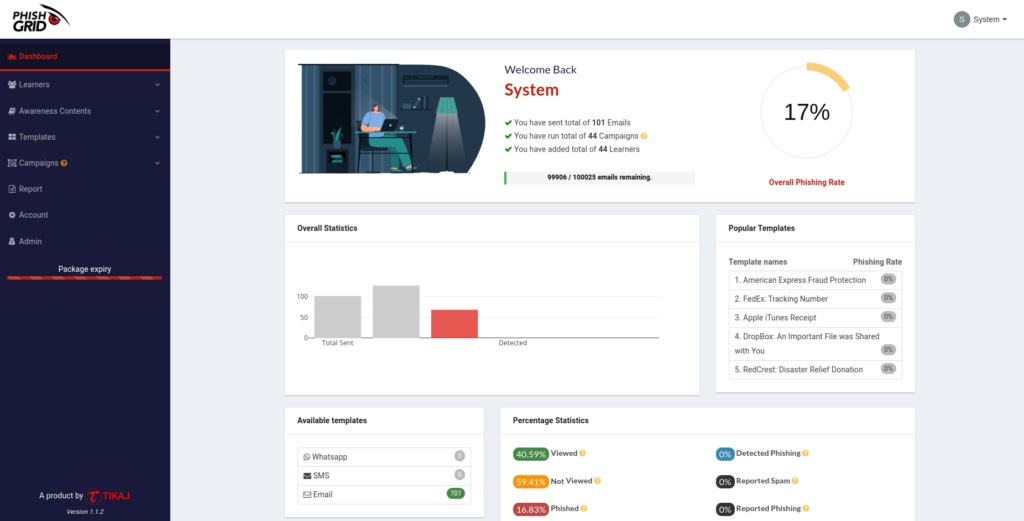
PhishGrid is an AI-based human risk reduction platform from Hunto. You build a campaign from a cloned template in minutes, let the AI write context-aware lures (including QR-code and attachment variants) and show an instant lesson to anyone who clicks. Reporting centres on report rate and repeat clickers rather than raw click counts, and Microsoft 365 delivery with a one-click report button keeps the security team in control. The free plan needs no credit card, which makes it easy to test against the others before you commit. See how it works on the phishing simulation platform page, browse the attack templates, or read the comparison with Gophish.
- Best for: small and mid-size security teams that want AI-written simulations tied directly to training.
- Watch for: we make it, so test it next to a competitor on your own users.
Anti-phishing protection and analysis tools
These three are not pure training platforms. Two pair simulation with email security or reporting, and one is an analyst’s investigation tool, which is what many searches for “anti-phishing tools” mean.
1. Ironscales
Ironscales is an API-based email security product for Microsoft 365 and Google Workspace that stops phishing, business email compromise and account takeover in the inbox. Simulation and awareness training sit in the same platform, so a simulation agent can use what the security side knows: it gathers public information about employees and scores each person on click history, reporting rate, role and training gaps.
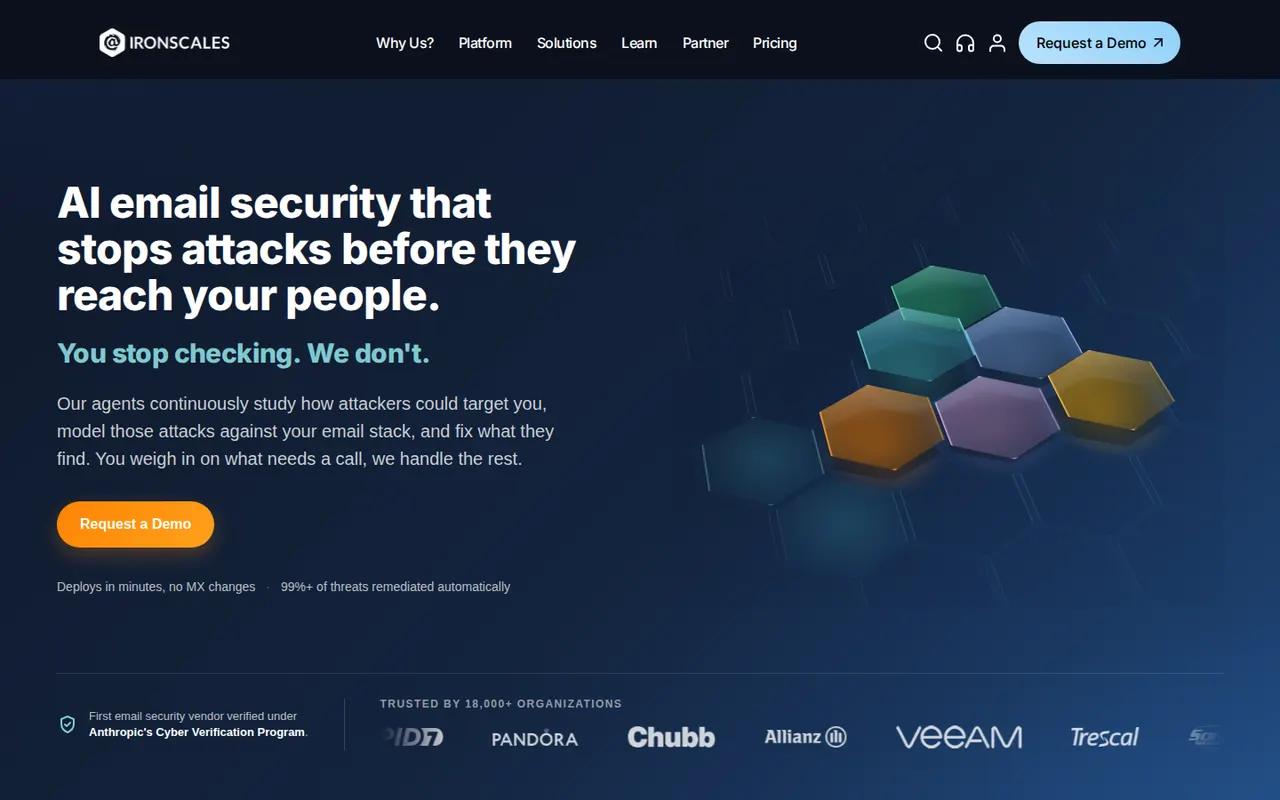
| Simulation | Email: spear phishing with custom landing pages, 100+ templates in 26 languages; GPT-written spear phishing |
| Training | 200+ Wizer videos in 13+ languages |
| Integrations | Report Phishing add-in for Outlook, Azure AD, Okta, Splunk, Sentinel, CrowdStrike, Cortex XSOAR, Slack, Teams |
| Price | Not published; simulation is an add-on on its email plans and included in one MSP bundle |
- Best for: teams that want inbox protection and simulation from one vendor. Watch for: only email simulation is documented, and it costs extra on most plans.
2. Cofense (PhishMe)
Cofense focuses only on phishing. PhishMe, its simulation and training product, uses real phishing data reported by its network of 35 million+ trained users, and measures competence rather than clicks alone. Employees report with one click, and reports feed Cofense’s threat intelligence.
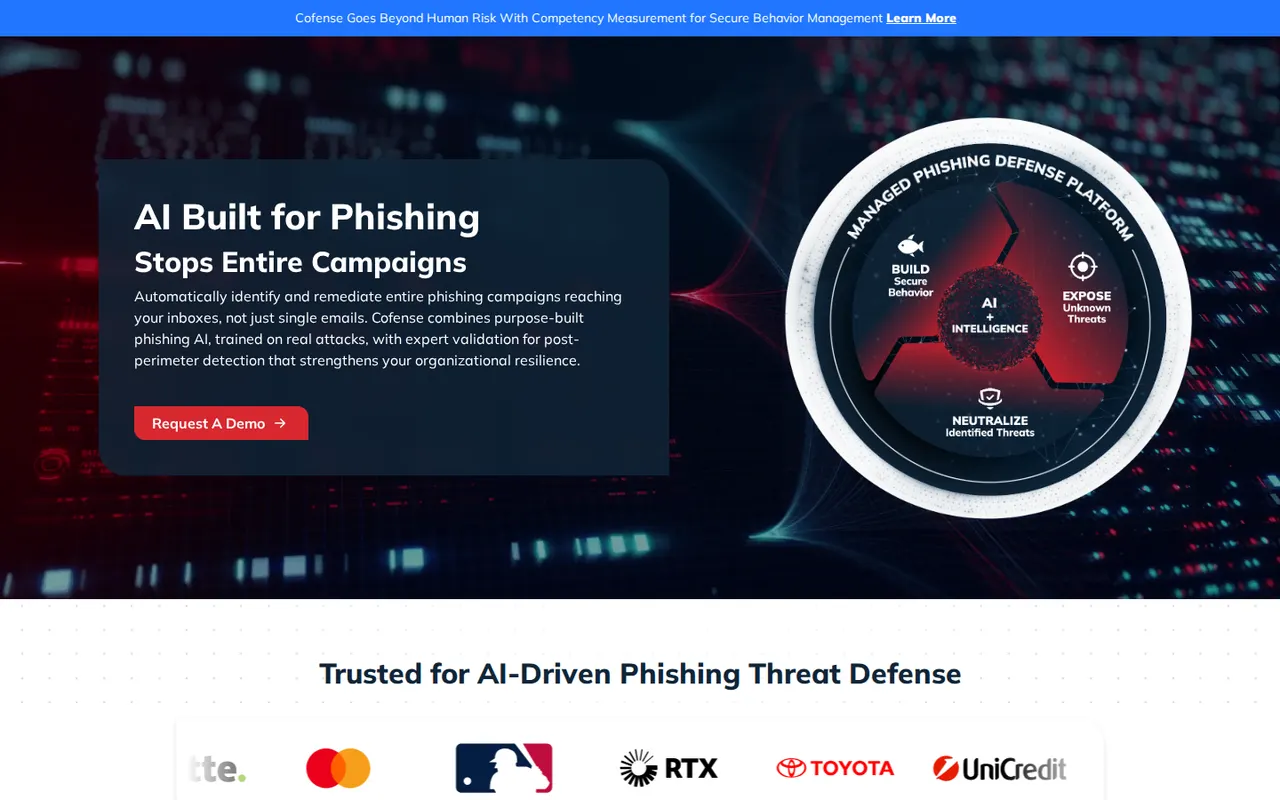
| Simulation | Email, SMS, voice, QR |
| Reporting | Competency measurement, board-ready analytics |
| Delivery | Software or fully managed by Cofense |
| Price | Not published; by demo |
- Best for: organisations that want a strong report-phish culture tied to real attack data. Watch for: library size, languages and integrations are not public.
3. PhishTool
PhishTool is not a simulation platform. It is a forensic console where SOC analysts open reported emails and inspect headers, links, attachments and metadata, with reporter feedback and case queues. It states that it does not detect or filter mail. The Community tier is free for one user.
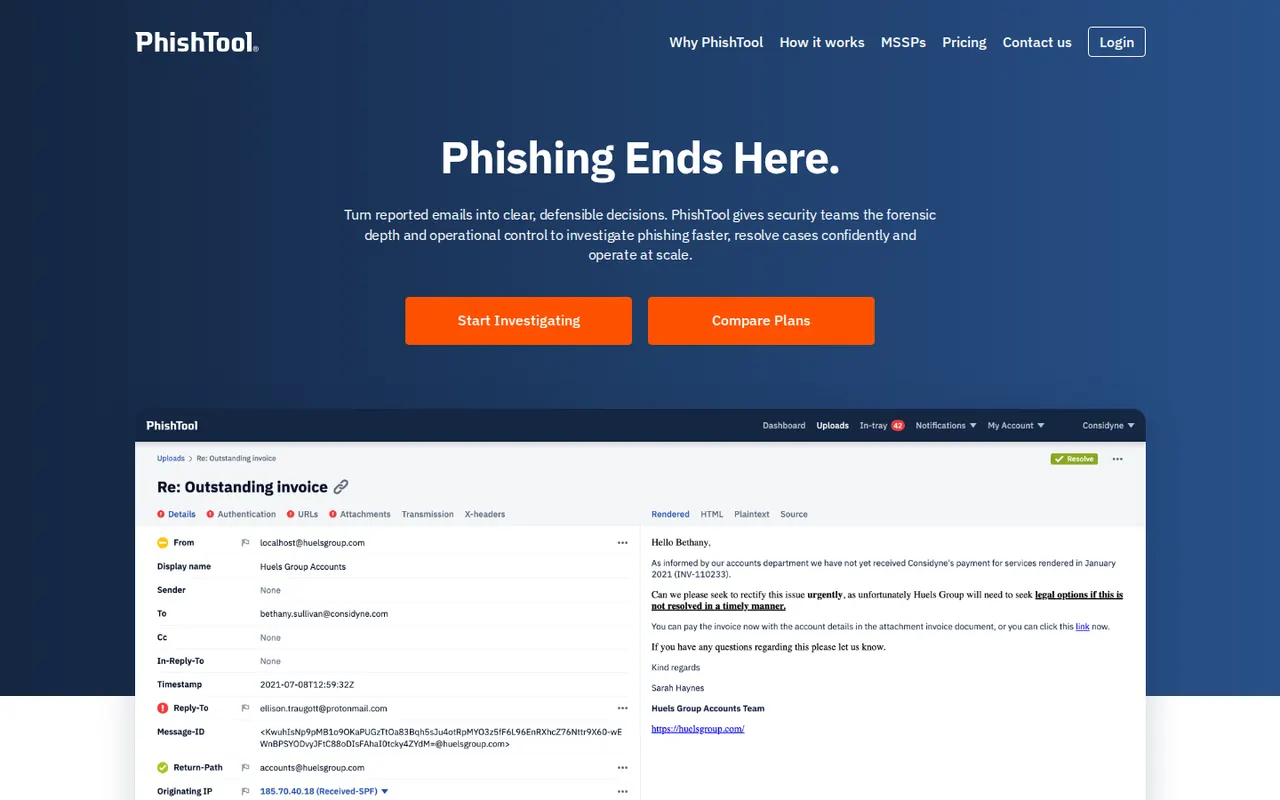
| What it analyses | Reported emails from Microsoft 365 or Google Workspace mailboxes, its Outlook report button (desktop, web and mobile), SIEMs or API |
| Integrations | Joe Sandbox, Mimecast, SSO (Enterprise), multi-tenant white label for MSSPs |
| Price | Community free (1 user, limited analyses); Enterprise by quote |
- Best for: SOC analysts triaging live phishing reports. Watch for: it will not train your staff.
Open-source and red-team phishing tools
Everything in this section is for authorised testing only. Each project’s own notice says so, and running these tools against people or systems without written permission is illegal in most countries.
1. Gophish
Gophish is the best-known open-source phishing framework: a single Go binary with a web dashboard, an HTML template editor, imported landing pages, scheduled campaigns and a per-recipient timeline of opens, clicks and submitted data, with export and a REST API. It is free under the MIT licence.
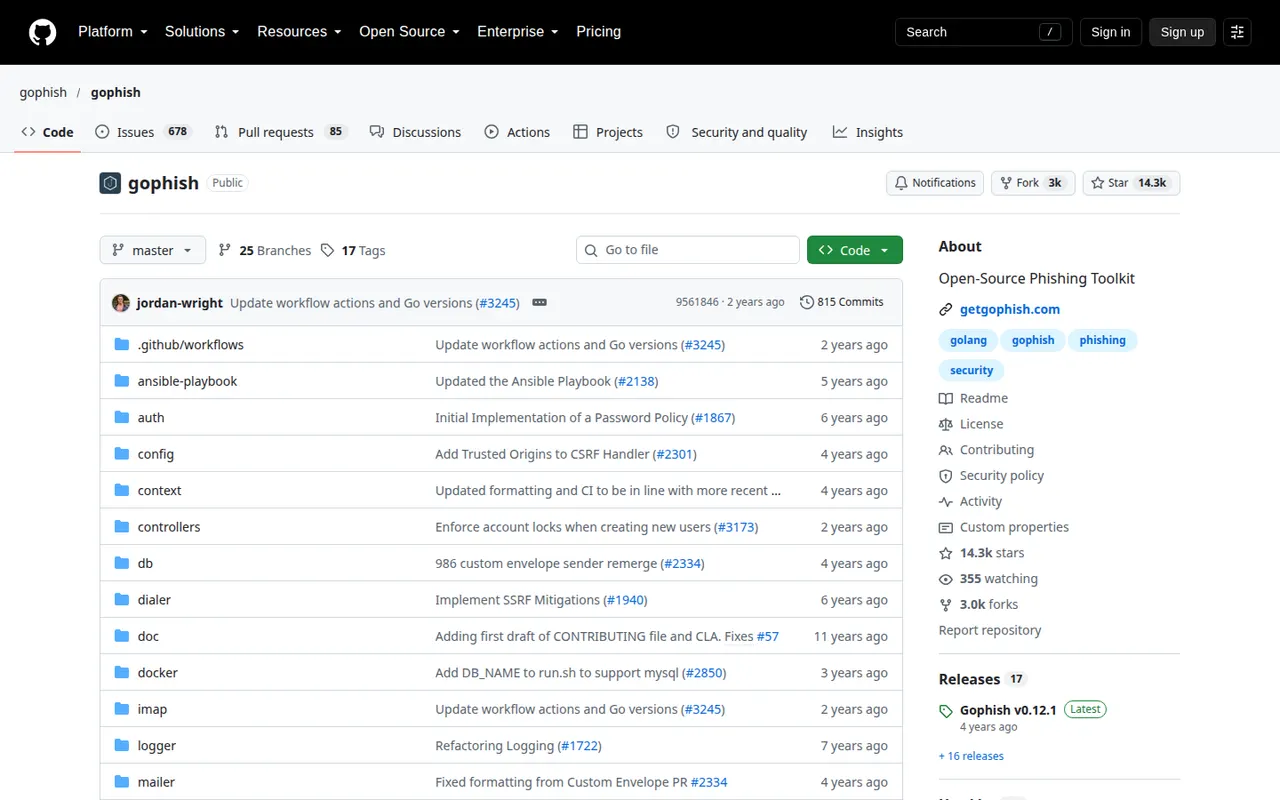
| Maintenance | Latest release v0.12.1 (September 2022); last commit September 2024; 14,331 stars |
| Runs on | Windows, macOS, Linux, Docker; self-hosted |
| Training | None built in |
- Best for: engineers and pentesters who want full control at no licence cost. Watch for: hosting, mail sending, deliverability and follow-up lessons are all on you, and past releases fixed SSRF and XSS issues, so keep the admin panel private and patched.
2. King Phisher
King Phisher is a Python client-server toolkit with a campaign dashboard, calendar-invite and image emails, landing pages, web cloning, SPF checks and plugins. Its README states plainly that it is no longer being maintained; the repository moved to a new owner, and a few small community fixes were merged in April 2026, which is not the same as active development.
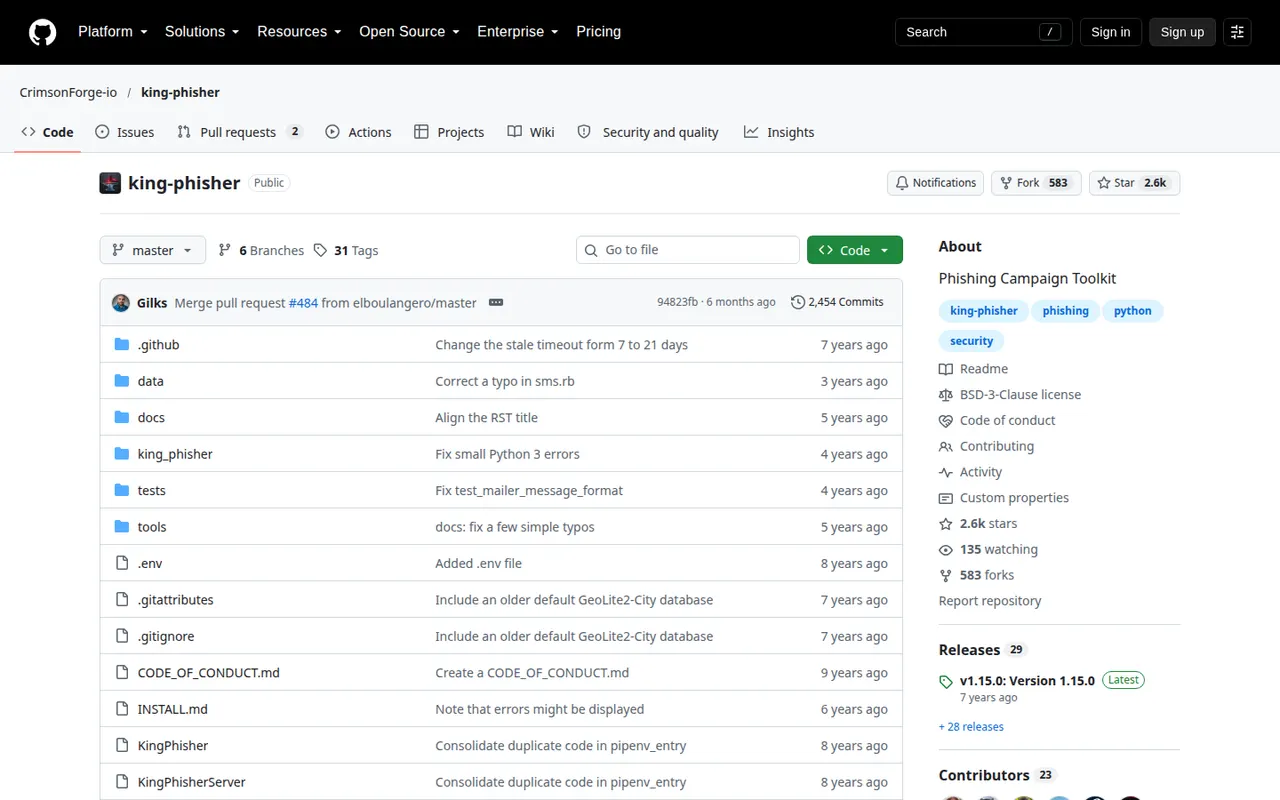
| Maintenance | Last release v1.15.0 (September 2019); last commit April 2026; 2,601 stars |
| Licence | BSD-3-Clause |
- Best for: research and lab use only. Watch for: no maintenance means no security fixes.
3. Social-Engineer Toolkit (SET)
SET, from TrustedSec, is a menu-driven penetration-testing console with guided social engineering attack vectors, including credential harvesting. It is a pentest tool, not a training platform, with no campaign dashboard or per-recipient tracking.
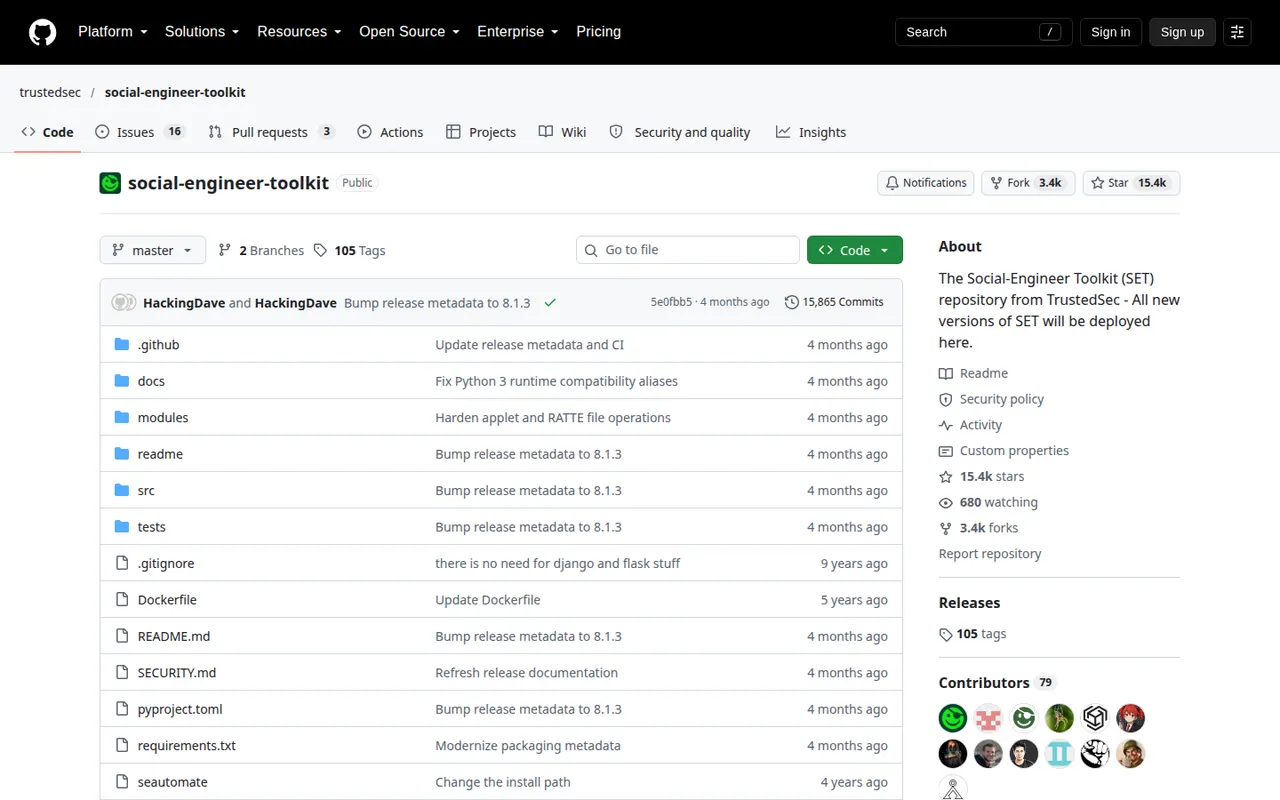
| Maintenance | Version 8.1.3 in the repository; last commit June 2026; 15,387 stars |
| Runs on | Linux; macOS experimental; Windows through WSL |
| Licence | BSD-style custom licence |
- Best for: security professionals running sanctioned social engineering tests. Watch for: using it against anyone without permission can be illegal.
4. Evilginx
Evilginx is an adversary-in-the-middle framework: it sits between the user and the real login page, passes everything through, and captures the session cookie that comes back after a successful sign-in, including one protected by a one-time code. Red teams use it to show why phishing-resistant MFA such as passkeys matters. A commercial Pro edition is sold separately to vetted red teams.
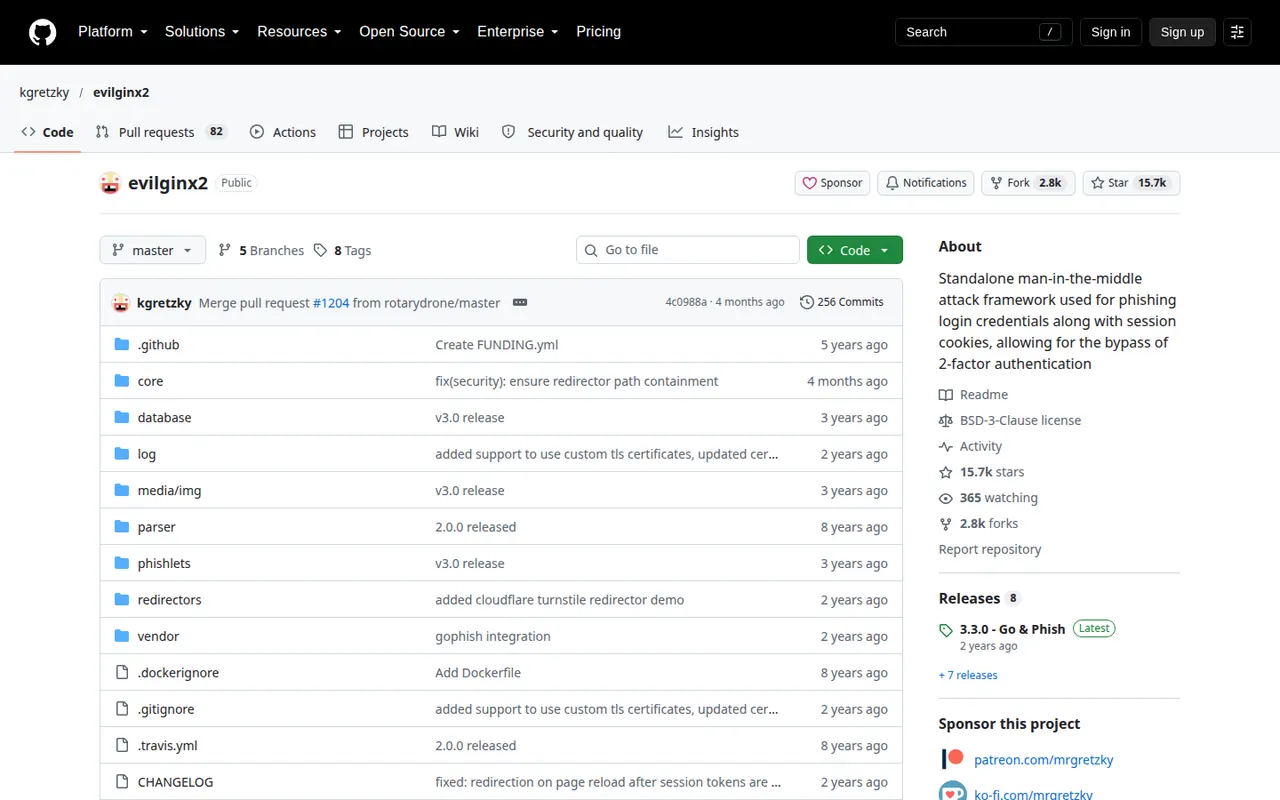
| Maintenance | Latest release v3.3.0 (April 2024); last commit June 2026; 15,746 stars |
| Licence | BSD-3-Clause |
| Reporting | None of its own; pairs with a Gophish fork for campaigns |
- Best for: authorised red-team engagements that need to prove MFA bypass. Watch for: this is an attack tool with no training or reporting for staff.
5. Modlishka
Modlishka is a transparent reverse proxy that serves the real website through attacker infrastructure, so there are no cloned templates to maintain. It was released in 2019 to show how common 2FA can be bypassed, and also has non-phishing uses such as adding TLS to legacy sites.
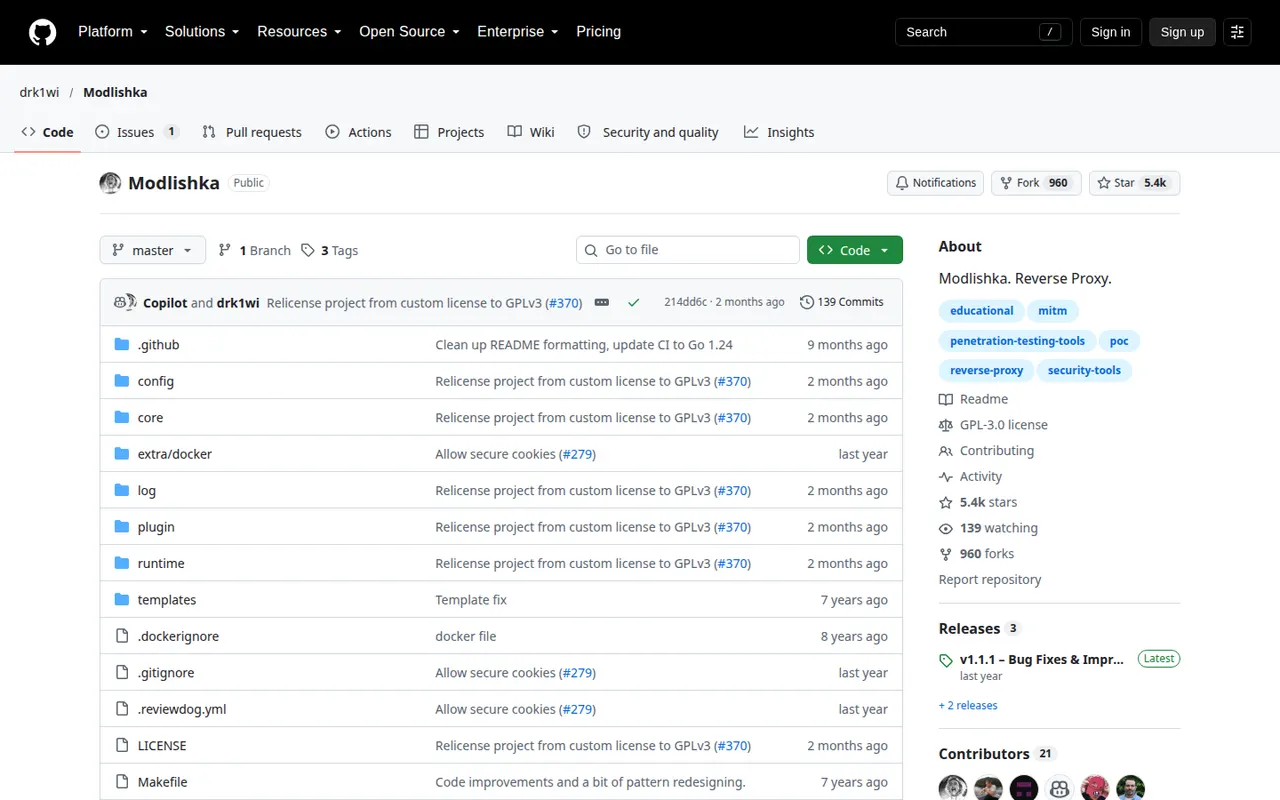
| Maintenance | Latest release v1.1.1 (May 2025); last commit August 2026; 5,428 stars |
| Licence | GPL-3.0 |
- Best for: red teams comparing proxy-based approaches. Watch for: README only, no documentation site, and no email sending or reporting.
6. Muraena
Muraena is another reverse proxy that talks to the real site in real time and automates the steps after a phish. Its documentation calls it a dynamic phishing kit for simulations and security testing.
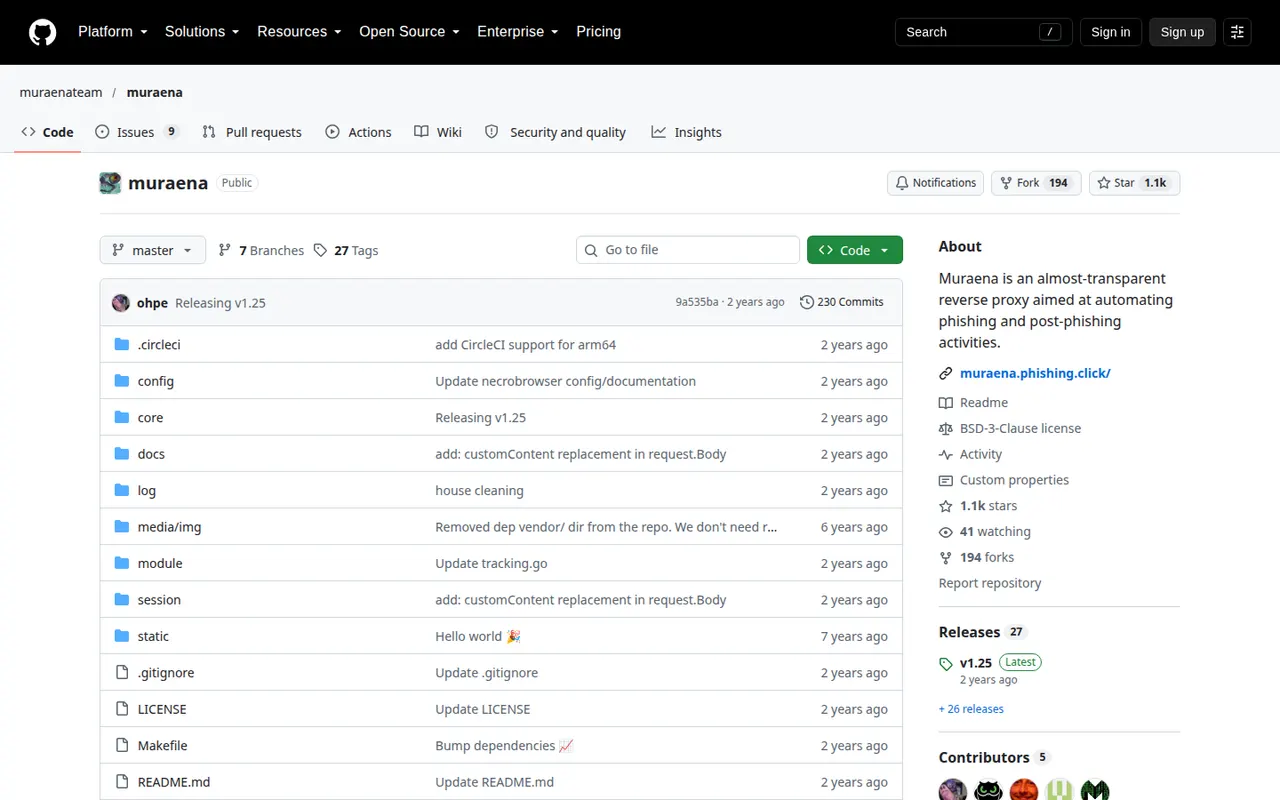
| Maintenance | Latest release v1.25 (November 2024); last commit November 2024; 1,091 stars |
| Licence | BSD-3-Clause |
- Best for: experienced red teams that script their engagements. Watch for: a small community and no main-branch activity since late 2024.
Every open-source phishing tool worth knowing, with GitHub status
GitHub’s “phishing” topic is the top result for “best phishing tools”, and most of what sits there is not a training tool. We checked the most-starred projects on 19 October 2026. Stars show popularity, not quality; the last commit on the main branch shows whether anyone still works on it. We left out projects under the same topic that are malware rather than testing tools, such as remote-access trojans and camera or browser-password stealers.
| Tool | What it is | Stars | Last commit | Latest release | Licence | Status |
|---|---|---|---|---|---|---|
| Gophish | Campaign framework | 14,331 | Sep 2024 | v0.12.1, Sep 2022 | MIT | Quiet |
| Evilginx | Adversary-in-the-middle login proxy | 15,746 | Jun 2026 | v3.3.0, Apr 2024 | BSD-3-Clause | Active |
| Social-Engineer Toolkit | Pentest framework | 15,387 | Jun 2026 | 8.1.3 in repo | BSD-style | Active |
| Wifiphisher | Rogue Wi-Fi access point | 14,914 | May 2026 | v1.4, Jan 2018 | GPL-3.0 | Active |
| Modlishka | Reverse proxy | 5,428 | Aug 2026 | v1.1.1, May 2025 | GPL-3.0 | Active |
| King Phisher | Campaign toolkit | 2,601 | Apr 2026 | v1.15.0, Sep 2019 | BSD-3-Clause | README says unmaintained |
| FiercePhish | Campaign framework | 1,439 | Jan 2024 | v1.2.2, Jun 2017 | GPL-3.0 | Quiet |
| EvilnoVNC | Browser-in-the-middle | 1,189 | May 2025 | none | GPL-3.0 | Quiet |
| Muraena | Reverse proxy | 1,091 | Nov 2024 | v1.25, Nov 2024 | BSD-3-Clause | Quiet |
| Phishing Frenzy | Campaign framework (Rails) | 902 | Nov 2023 | none | GPL-3.0 | Quiet |
| Zphisher | Login-page clone kit | 17,044 | Aug 2024 | 2.3.5, Jan 2023 | GPL-3.0 | Quiet |
| SocialFish | Clone kit and collector | 4,913 | May 2026 | May 2026 | BSD-3-Clause | Active |
| Nexphisher | Login-page clone kit | 3,885 | Oct 2022 | none | GPL-3.0 | Archived |
| AdvPhishing | One-time-code phishing kit | 3,323 | Jan 2026 | 2.1, Sep 2020 | None stated | Quiet |
| MaskPhish | Link masking | 3,232 | Sep 2025 | 2.0, Dec 2020 | MIT | Quiet |
| BlackEye | Login-page clone kit | n/a | n/a | n/a | n/a | Blocked by GitHub |
| PyPhisher | Login-page clone kit | n/a | n/a | n/a | n/a | Blocked by GitHub |
| dnstwist | Lookalike domain finder (defence) | 5,761 | Apr 2025 | 20250130 | Apache-2.0 | Quiet |
| phishing_catcher | Certificate log watcher (defence) | 1,829 | Dec 2020 | none | GPL-3.0 | Unmaintained |
| Phishing.Database | Phishing domain lists (defence) | 1,630 | Oct 2026 | none | MIT | Active |
| ThePhish | Reported-email analysis (defence) | 1,379 | Aug 2024 | none | AGPL-3.0 | Quiet |
| openSquat | New lookalike domain monitor (defence) | 987 | Jul 2026 | v2.3.0 per changelog | GPL-3.0 | Active |
“Active” means a commit on the main branch in the last six months. For an awareness programme only the campaign frameworks (Gophish, King Phisher, FiercePhish, Phishing Frenzy) are relevant, and of those only Gophish is widely used today. The proxies are for red teams. The defence rows help you find phishing aimed at your own brand.
Open-source tools for defenders
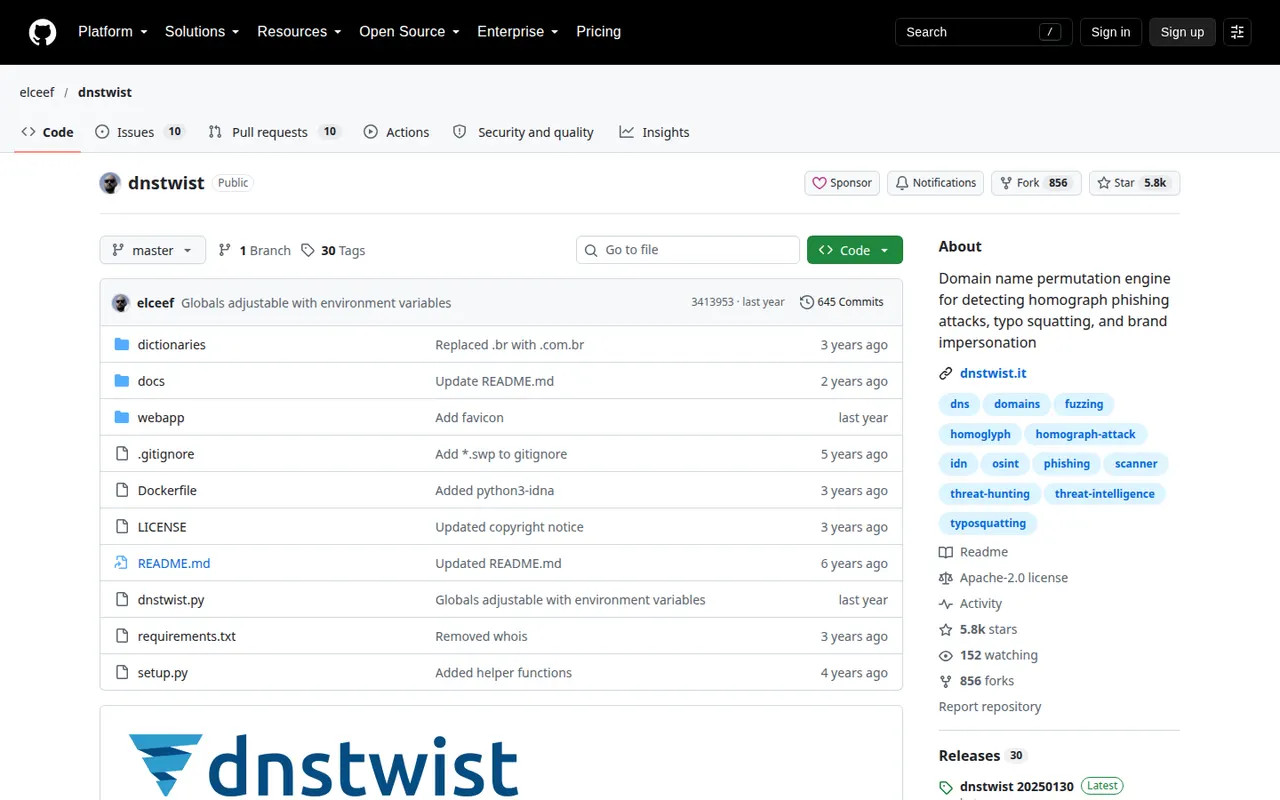
dnstwist generates lookalike versions of your domain, checks which are registered, and can compare a suspect site’s HTML and a screenshot with your real site to spot a live copy. It runs point-in-time scans, so schedule it yourself.
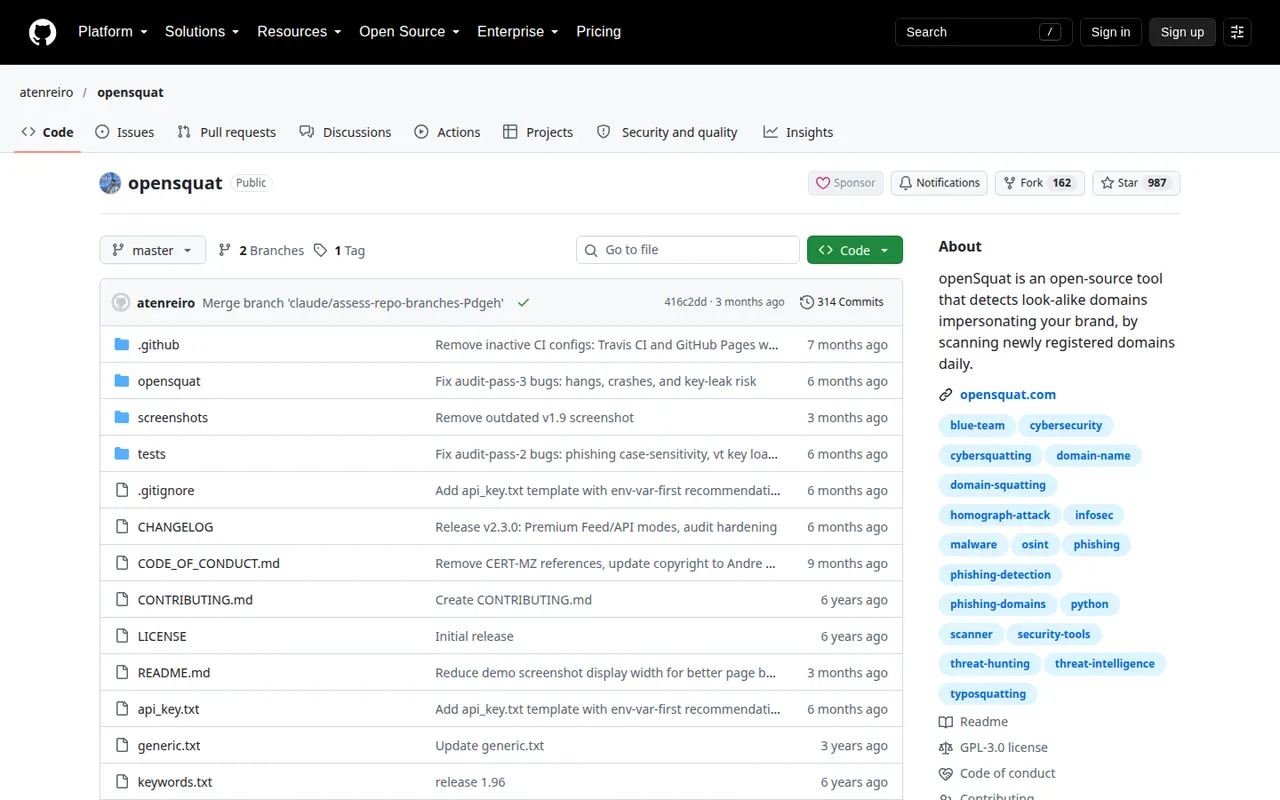
openSquat scans each day’s newly registered domains for typosquatting, homographs and other lookalikes of your brand, with optional VirusTotal and certificate checks. The core is open source; larger feeds and a hosted API are paid.
ThePhish takes emails your staff forward as suspicious, opens a case in TheHive, runs Cortex analysers and emails the reporter a verdict. It needs TheHive, Cortex and MISP behind it. phishing_catcher watches certificate transparency logs for suspicious domain names, but its README calls it a proof of concept and it has not changed since 2020.
Phishing kits, Termux scripts and “phishing apps”
Searches for a “phishing app”, a “Zphisher alternative” or a “phishing link maker” usually lead to the clone kits in the table: Zphisher, SocialFish, AdvPhishing and the blocked BlackEye and PyPhisher. They run on a laptop or on Android through Termux, copy the login page of a well-known service and forward whatever is typed. Their own READMEs say “educational purposes”, and the same scripts turn up in real attacks.
They are no use for training staff. There is no campaign management, no lesson after a click, no reporting and no way to avoid collecting real passwords, and pointing them at people who have not agreed is a crime in most countries. For an authorised engagement, Gophish, Evilginx or the Social-Engineer Toolkit are the professional equivalents. For awareness training, use one of the platforms above.
Some sites that offered hosted phishing pages have also gone. Accesszilla, still searched for by name, now shows a parked domain for sale (checked 19 October 2026).
For defenders, the kits are worth knowing because their templates show what your users will be sent. dnstwist, openSquat and phishing_catcher watch for lookalike domains and certificates before a campaign starts.
Are free and open-source phishing tools worth it?
Yes, for the right team. Free phishing tools do measure click rates. If you have engineering time to self-host, manage deliverability and write your own follow-up lessons, Gophish costs nothing and gives total control. What they lack is everything after the click: a training library, managed templates and reporting tools. A rule of thumb that holds up: open source to test technical defences, a managed platform to change employee behaviour. Hosted free options exist too: KnowBe4’s Attack Simulation Test and Infosec IQ’s Phishing Risk Test each cover up to 100 users once, CanIPhish’s free plan covers up to 10 employees, and PhishGrid keeps a set of free phishing tools, including a free plan with templates and automatic training (free phishing tools).
AI-generated phishing and why simulations must keep up
Attackers now write fluent, well-branded lures with generative AI. The DBIR even changed its own advice for spotting phishing emails, from checking for typos to checking for em dashes, because of reported AI assistance. A static library of ten-year-old templates will not match what employees see. When you evaluate a tool, ask exactly how it builds and refreshes campaigns, not just whether “AI” appears on the pricing page. Several vendors now turn the real phishing your company receives into tests (Proofpoint’s ThreatFlip, Microsoft’s payload automation, Adaptive’s Phish Remix, Phished), which is the most direct way to keep simulations current.
Are phishing simulations legal?
In most places, testing your own employees on company systems is lawful and is a common part of security awareness programmes under frameworks such as ISO 27001, SOC 2 and PCI DSS. Good practice is to mention simulations in your security policy, avoid collecting real passwords, avoid lures that cause genuine distress (for example fake bonuses or health scares) and give people a safe way to report. Voice and deepfake tests need extra care: CanIPhish, for example, asks each employee to opt in before a voice test. Employment and data-protection rules differ by country, so check yours; this is general information, not legal advice.
How to choose, in five steps
- Decide the job first: training staff, authorised testing or protecting your brand.
- Shortlist two or three tools and run the same pilot with each on a small group.
- Compare report rate and time to report, not only click rate.
- Get a total price per user per year, with training and any extra channels included, and check the contract term behind it.
- Pick the one your team will actually run every month, and read the linked phishing awareness training guide to plan the follow-up.
Frequently asked questions
What are the best phishing simulation tools?
It depends on size and stack. KnowBe4, Hoxhunt and Proofpoint are established options for larger organisations; Adaptive Security and Keepnet cover voice, SMS and deepfake scenarios; Sophos and Microsoft suit teams already on those products; CanIPhish and Wizer let small teams start free. PhishGrid, our own product, also has a free plan. The best one is the one your team will run every month.
What is the best free phishing tool?
For self-hosting a campaign, Gophish. For hosted options that include training, CanIPhish’s free plan (up to 10 employees), Wizer’s free tier for training or PhishGrid’s free plan (ours). For a one-off test, KnowBe4’s Attack Simulation Test. For authorised red-team work, the Social-Engineer Toolkit or Evilginx. For defending your brand, dnstwist and openSquat.
How much do phishing simulation tools cost?
Most vendors quote per user per year, and only a few publish prices. KnowBe4 lists $2.40 to $3.75 per seat per month for 25 to 50 seats on a 3-year term; Wizer lists $25 per user per year at 25+ users on a 3-year term; CanIPhish lists per-employee rates from $4.00 a month for small teams; SoSafe starts at €625 a month for 50 seats; Phished starts at €165 a month. Microsoft includes the feature in Microsoft 365 E5 and Defender for Office 365 Plan 2, and open-source tools cost nothing to license but cost staff time.
What share of breaches involve phishing?
In the 2026 Verizon DBIR, phishing accounted for 16% of breaches as an initial access vector, and the human element was present in 62% of breaches.
Is Gophish still maintained?
Barely. As of 19 October 2026 its latest release is v0.12.1 from September 2022 and its last commit was in September 2024. It still works for many teams, but plan for fixing problems yourself.
Should I test phone and text channels as well as email?
Yes, if your vendor supports it. In the 2026 DBIR, median click rates in simulations were 40% higher on mobile-centric channels such as voice and text than on email. Hoxhunt, Keepnet, SoSafe, Adaptive Security, Phished and Arsen all list SMS and voice; Microsoft and Sophos document email only.
What is the best phishing tool in 2026?
There is no single answer because “phishing tool” covers several jobs. For training staff, KnowBe4, Hoxhunt and Proofpoint are the established platforms. For red-team tests, Evilginx and the Social-Engineer Toolkit are actively maintained. For catching phishing aimed at your brand, dnstwist and openSquat are free.
What is a good Zphisher alternative?
For authorised penetration tests, use Gophish, the Social-Engineer Toolkit or Evilginx, which are built for engagements with permission and scope. For training employees, use a simulation platform, because Zphisher has no campaign management, lessons or reporting. Running Zphisher against people without consent is a crime in most countries.
Is Accesszilla still available?
No. As of 19 October 2026 accesszilla.com shows a parked domain for sale, so the service it used to offer is gone. Treat any site claiming to be its replacement with suspicion.
Which open-source phishing tools are still maintained?
From GitHub on 19 October 2026: Evilginx, the Social-Engineer Toolkit, Modlishka, Wifiphisher and SocialFish all had main-branch commits in the last six months. Gophish has had no release since 2022, King Phisher’s README says it is no longer maintained, Muraena has been quiet since November 2024, and GitHub has blocked BlackEye and PyPhisher.
Sources
- Verizon, 2026 Data Breach Investigations Report
- KnowBe4, security awareness training pricing
- KnowBe4, free Attack Simulation Test
- Hoxhunt, phishing training and pricing
- Proofpoint, ZenGuide Standard vs Enterprise data sheet
- Sophos, Phish Threat and how to buy
- Microsoft Learn, get started with Attack simulation training and FAQ
- Infosec IQ, phishing simulations
- usecure, pricing and Wizer, pricing
- Adaptive Security, pricing and integrations
- Keepnet, pricing and phishing simulator
- Phished, phishing simulations and pricing
- SoSafe, phishing simulations and pricing
- CanIPhish, pricing and voice phishing
- Arsen, vishing simulation and pricing
- Jericho Security, phishing simulator
- Ironscales, pricing and phishing simulation
- Cofense, PhishMe platform
- PhishTool
- Gophish, releases on GitHub
- GitHub, repositories tagged phishing
- Vendor homepages: Phished, SoSafe, CanIPhish, Arsen, Jericho Security
- Hoxhunt, best phishing simulation tools